
Language: Deutsch · English
 Layout
Design forms in the WYSIWYG editor – grid, components, focus and separate web/rich layouts.
HOW-TO LOW-CODE UPDATED: JUL 2026 APPLIES TO NUCLOS 4.2026.X
On this page
The layout editor
You design forms (layouts) in a WYSIWYG editor. A layout is a grid of rows and columns whose cells hold components:
- Data components – bound to attributes of a business object.
- Static components (labels, images, …).
- Containers and separators.
Menu: Configuration → Layout
Generate a layout automatically
The fastest way is to let a layout be generated when creating the business object – all attributes are inserted in the defined order and can then be refined (spacing, containers).
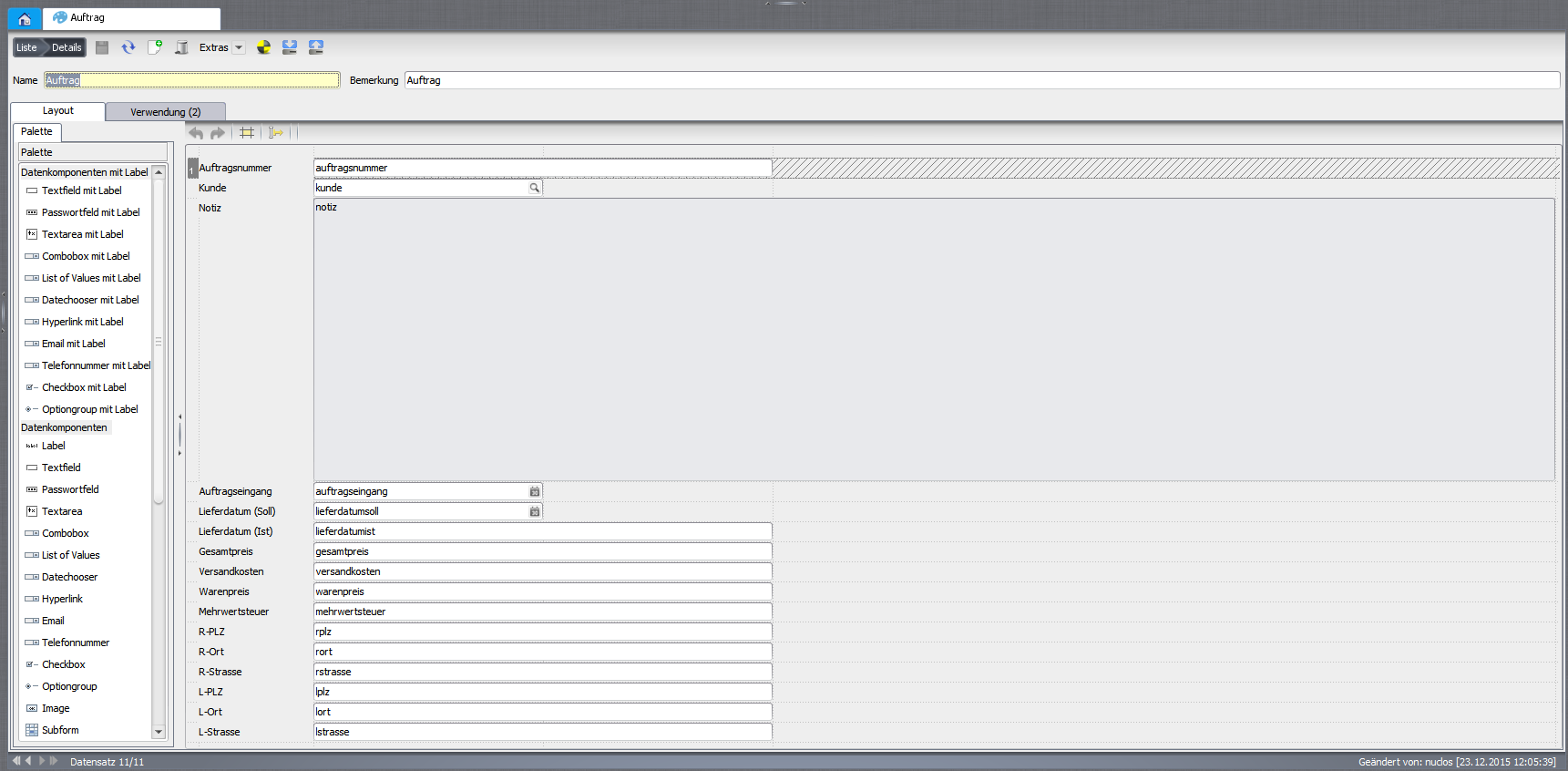
An automatically generated layout.
Create a layout manually
- Provide name, remark and usage – which business object(s) the layout is for (including a search form).
- Start designing on the Layout tab.
- Right-click the left bar to insert rows and the top bar for columns – this builds the grid.
- Insert components into the cells and position them.
Grid tips
Let one column on the right and one row at the bottom fill the remaining space. Use consistent sizes/spacing and leave enough room so content is not cut off.
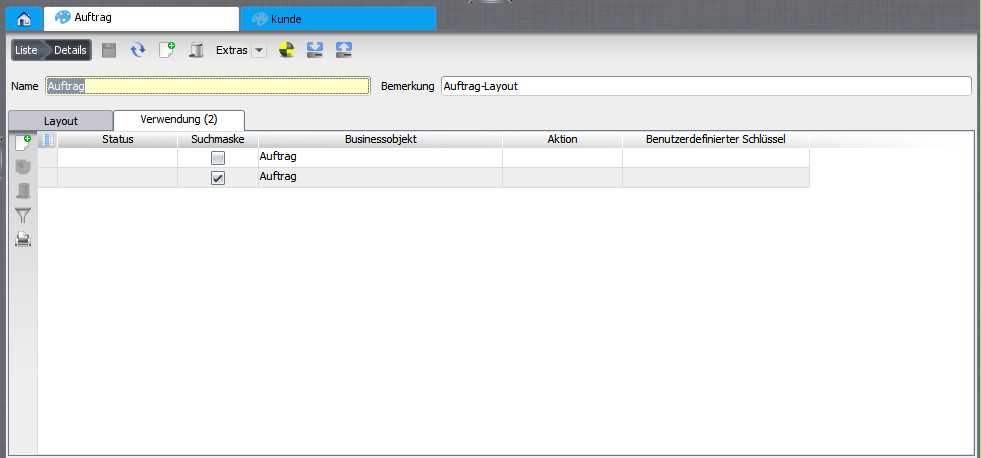
New layout: define the usage.
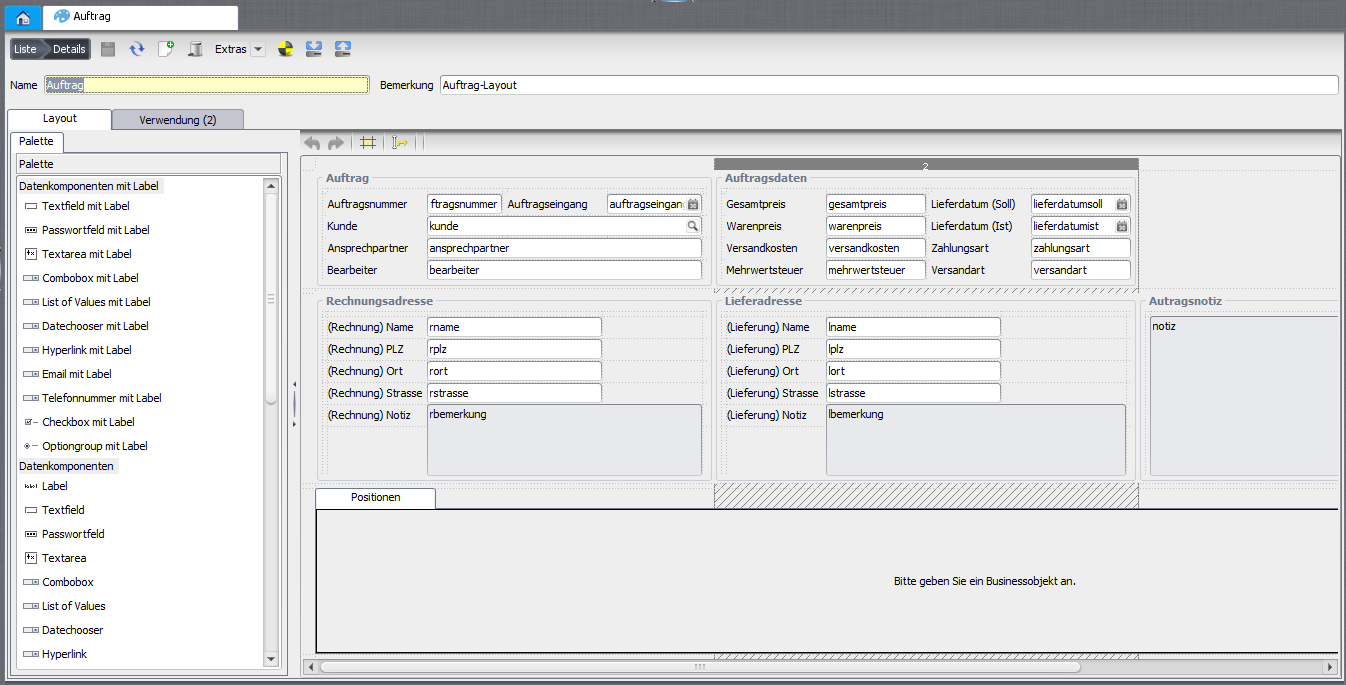
A finished layout.
Separate web and rich client
With the custom key weblayout you define a layout for the web client only. Without an entry the layout applies to both clients.
Focus and tab order
The initial focus sets the first active input field. Via the next field property you set the tab order. The element positioning controls how a component fills its cell.
Layout rules
For advanced interaction, layouts can be extended with layout rules (e.g. show/hide fields conditionally).
Related pages
Überblick
Inhalte