Nuclos App SSO: single sign-on with Microsoft (Entra ID), OAuth2/OpenID Connect, login button, in-app WebView, PKCE, user mapping by e-mail/username. |
Language: Deutsch · English
Sign in with a configured SSO service – e.g. „Nuclos on Microsoft“ (OAuth2 / OpenID Connect).
Auf dieser Seite |
The app supports single sign-on via OAuth2 / OpenID Connect – the same SSO services as the Web Client. A typical service is „Nuclos on Microsoft“ (Microsoft Entra ID).
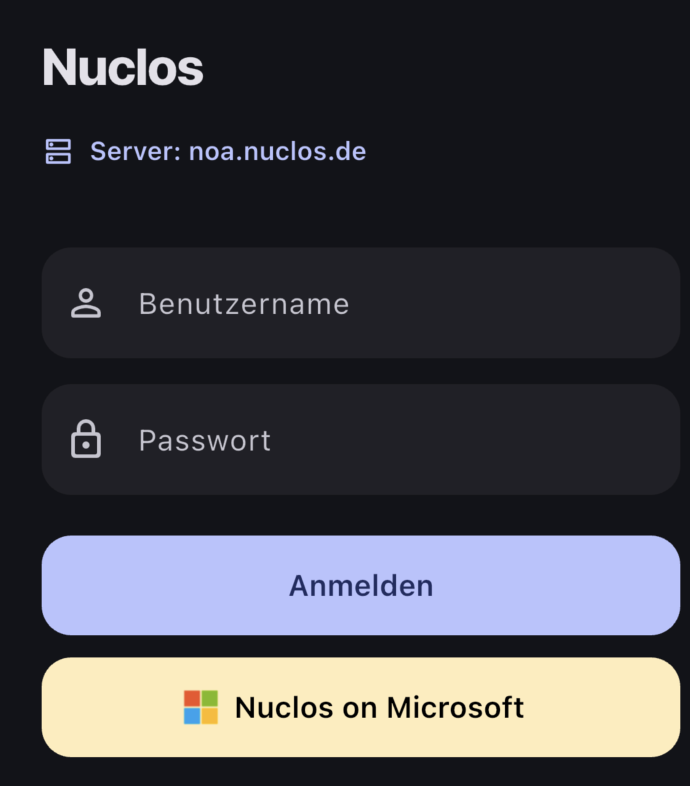
SSO button on the login screen (here „Nuclos on Microsoft“).
SSO services are configured on the server by administration. Only active services appear in the app. Setup details: SSO configuration (callback URL, OAuth2 values, user mapping).
Technically the app starts the flow via the server (authorization code grant with PKCE); the token exchange is done by the Nuclos server, not the app. The session then runs – as usual – via the Nuclos cookie (JSESSIONID). |
The server maps the person authenticated with the provider to a Nuclos user via e-mail or username (from the ID token). Without a mapping, no sign-in is possible.
Biometric login is not available for SSO sessions – sign-in always goes through the provider. |