Nuclos Jasper font extensions: font extension, TTF, family name, classpath, JAR, server extension, nuclet. |
Language: Deutsch · English
Embed custom fonts in reports – create a font extension in Jaspersoft Studio, export it as a JAR and embed it as a server extension.
On this page |
Fonts provided by the operating system vary – a missing or slightly different font can shift the layout and line breaks. With a font extension you embed external font files so the report looks identical everywhere.
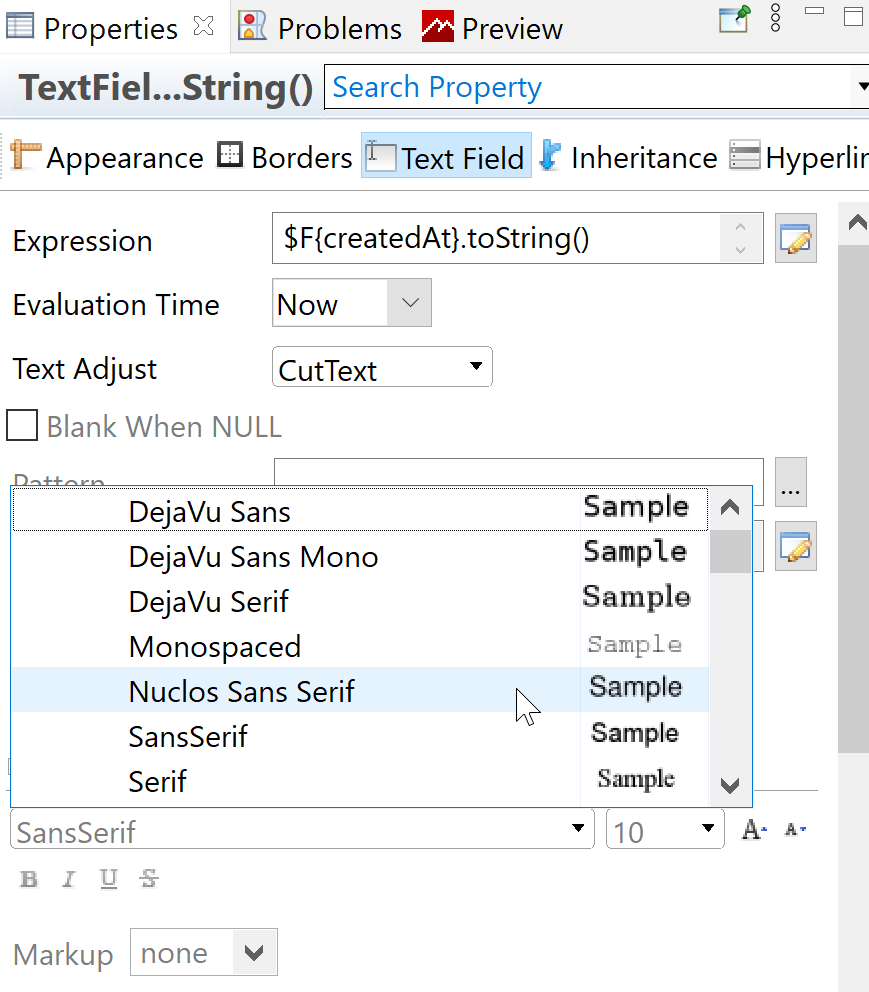
Adding a font in Jaspersoft Studio.
To test in the designer, the font must be exported as a JAR and added under Options → Classpath (designer > Jasper 3.6.0). |
Under Preferences → Fonts select the extension and click Export → save as JAR. This JAR is added as a server extension to the desired nuclet.
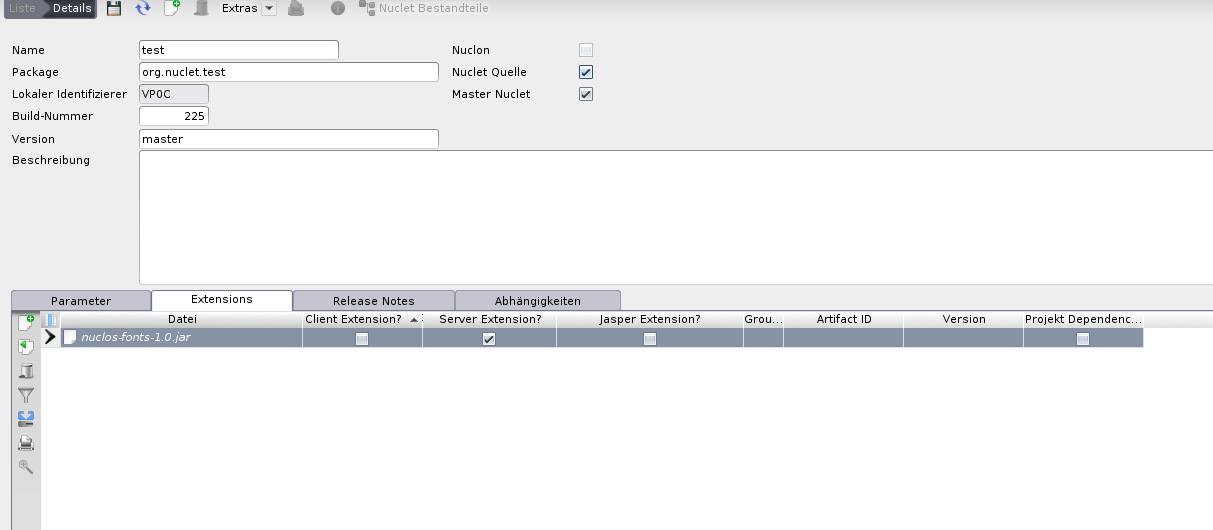
Embedding the font extension as a server extension.