
Language: Deutsch · English
 Custom CSS
Customize the Web Client's look via CSS – through the WEBCLIENT_CSS system parameter or a Nuclet CSS file.
HOW-TO LOW-CODE / DEVELOPER UPDATED: JUL 2026 APPLIES TO NUCLOS 4.2026.X
On this page
Use the system parameter WEBCLIENT_CSS to override the Web Client's appearance (e.g. tabs, buttons, panels).
Activation
- Set
WEBCLIENT_CSSunder Administration → Parameters, or - upload a
.cssfile in the Nuclet extension area.
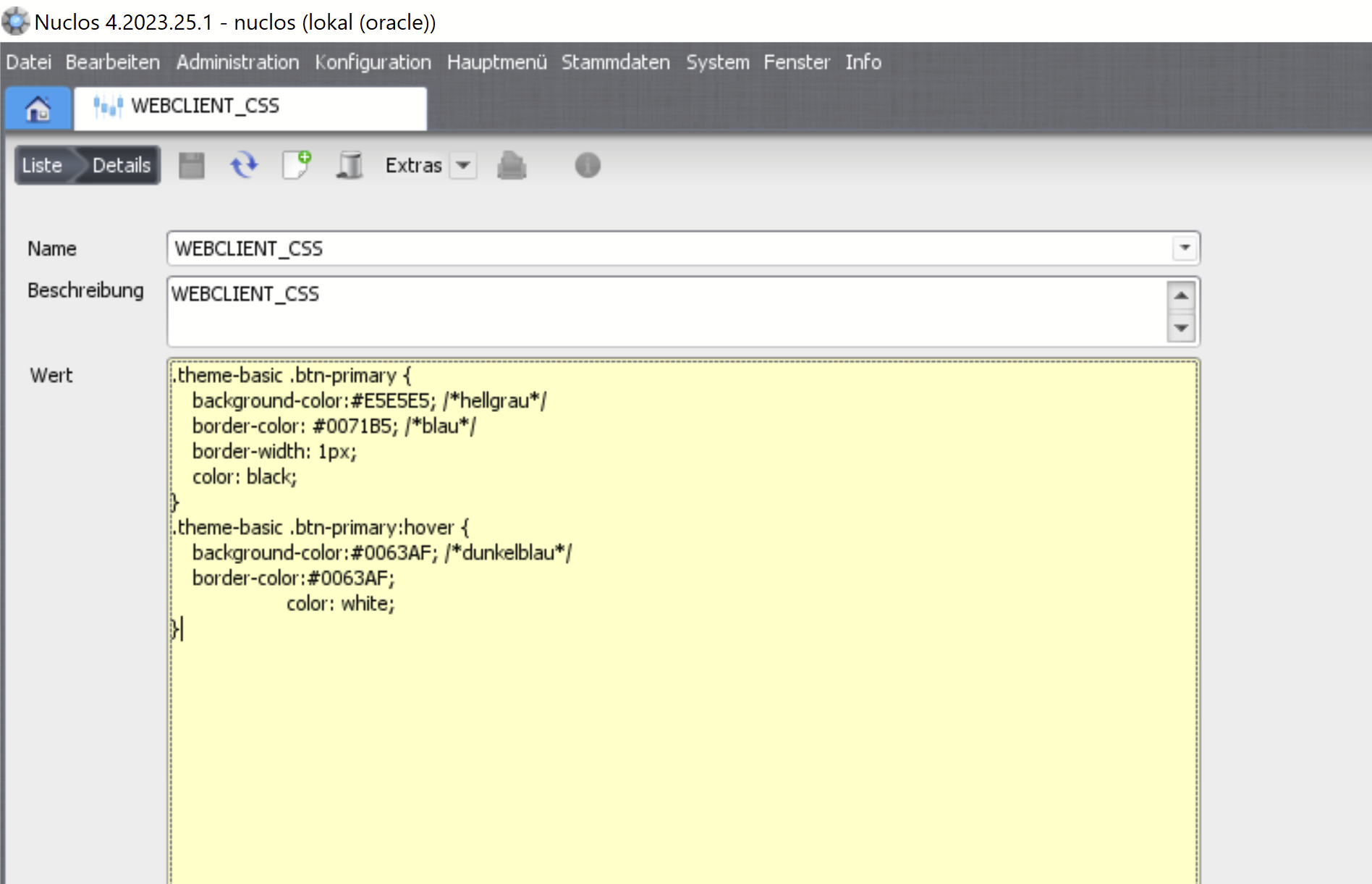
WEBCLIENT_CSS as a system parameter.
Example: highlight the active tab
A lighter bar above the active tab's title:
.tab-background {
  border-top: 4px solid rgba(0, 0, 0, 0.35);
}
.tab-background:hover {
  border-top: 4px solid rgba(255, 255, 255, 0.55);
}
.p-highlight .tab-background {
  border-top: 4px solid rgba(255, 255, 255, 0.55);
}
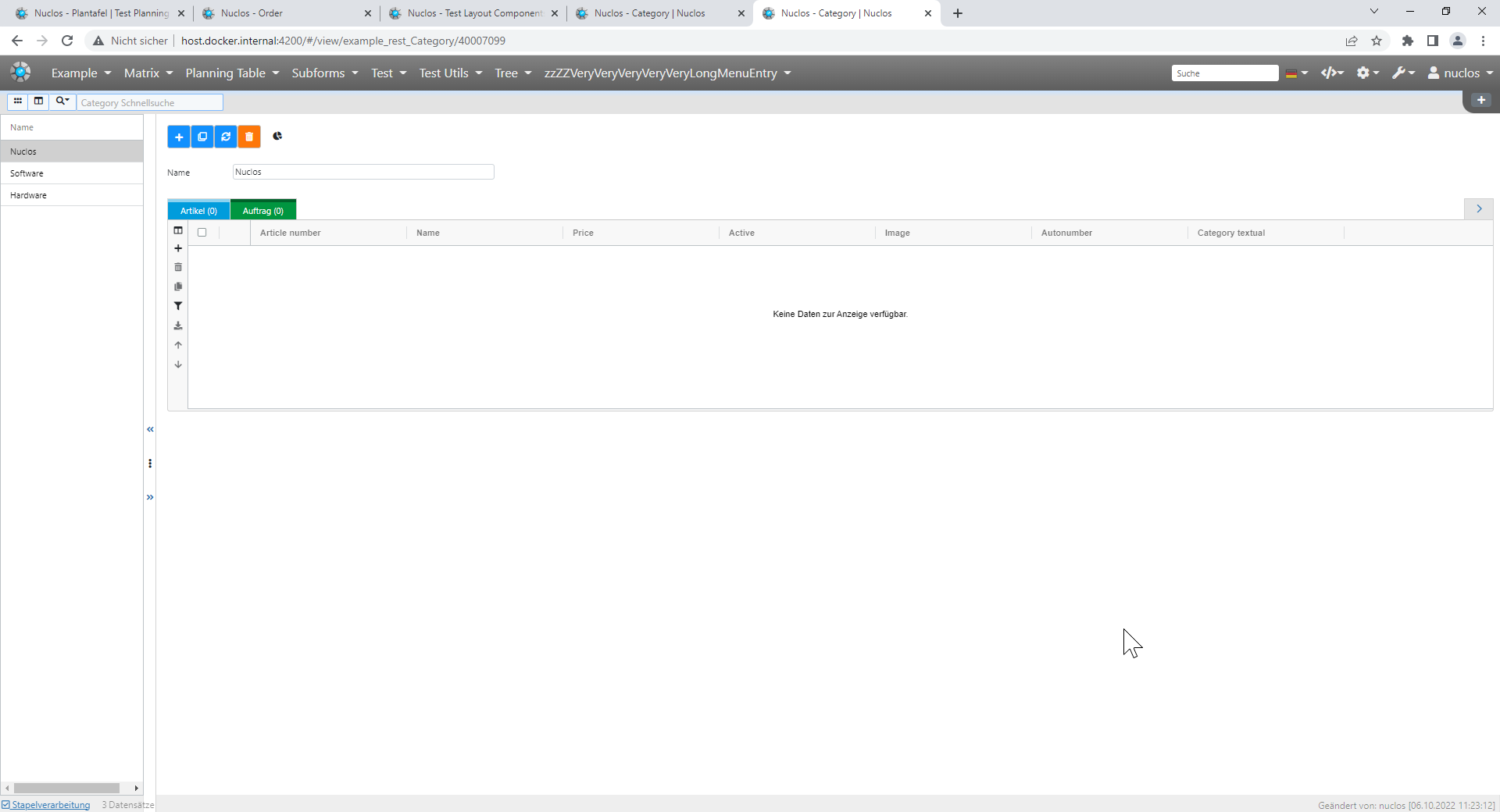
Result: highlighted tab.
More selectors
Tabs can be styled with the full power of CSS. Further selectors: .theme-basic .btn-primary, .nuc-button-execute-rule, .card, .ag-row-selected and many more.
Related pages
Überblick
Inhalte