
Language: Deutsch · English
 Login
Login
How to start the Web Client in the browser and log in.
HOW-TO USER UPDATED: JUL 2026 APPLIES TO NUCLOS 4.2026.X
Start the Web Client
Enter the application address in your browser:
http://<server>:<port>/webclient/#/login
Example: http://localhost:8081/webclient/#/login
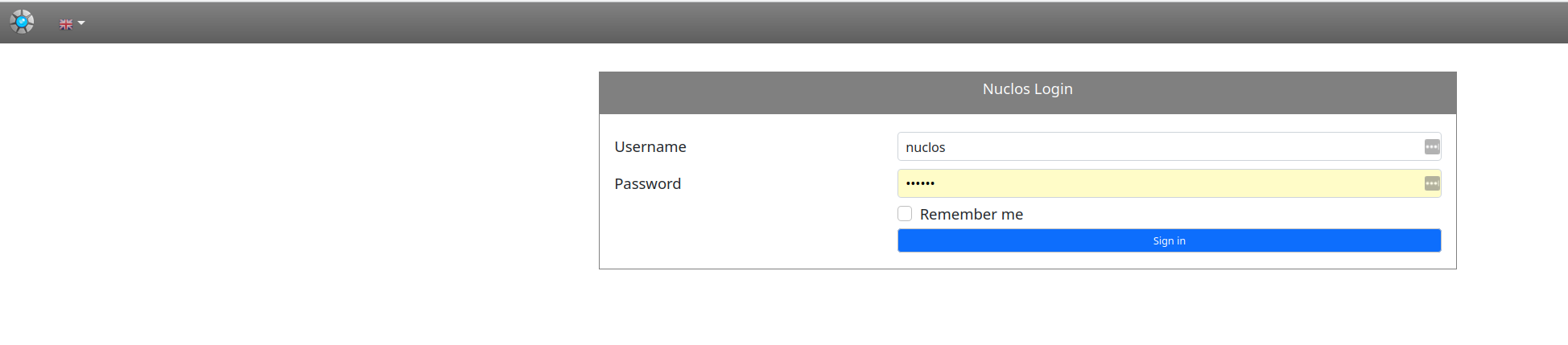
Start page with login dialog.
Enter user name and password. Stay signed in stores the login locally. After Log in you switch to the main page.
Related pages
Überblick
Inhalte