Nuclos Web Client look-and-feel parameters: empty result list, view orientation, detail-in-window – configurable per BO. |
Language: Deutsch · English
Display options per business object, set in the Desktop client, that control Web Client behavior.
On this page |
In the Desktop client you can set options when opening a business object in the list view (right-click the grey area next to „Filter“). Depending on the option, values apply to system parameter, workspace and/or business object.
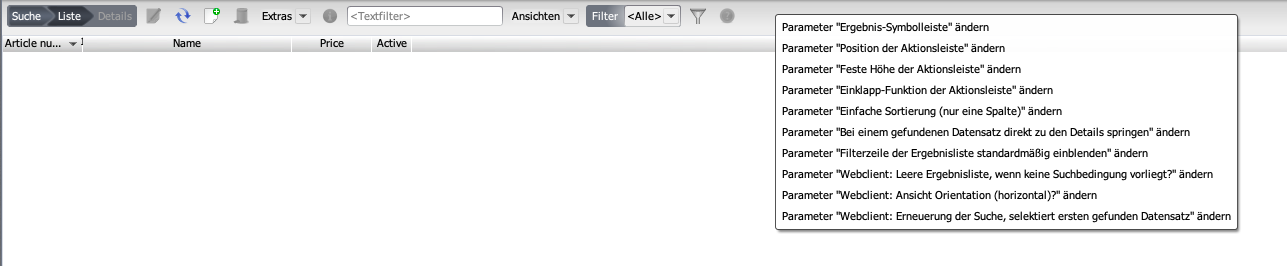
Context menu of display options.
| Option | Effect |
|---|---|
| Empty result list without search condition (from 4.25.0) | stay empty instead of loading all data – recommended for large data sets. |
| View orientation horizontal (from 4.49.0) | arrange business object and result list horizontally instead of vertically (default: vertical). |
| Search refresh selects first record (from 4.49.0) | on a changed search, auto-select the first hit instead of keeping the selection. |
| List view only, details in window (from 4.2022.2/.3) | hide the detail view; a click opens the record in a new window/tab. |