Nuclos nuclet import: import wizard, full import, individual import, expert mode, maintenance mode, preview, parameters. |
Language: Deutsch · English
Import a nuclet file – prerequisites, full vs. individual import and the conflict rule.
Auf dieser Seite |
Before importing, configure at least one data language and check the Java heap configuration. On a production system, switch to maintenance mode. |
| Option | Behaviour |
|---|---|
| Full import (until 4.39.0: „old version“) | adopts the nuclet's state; local changes are overwritten (a preview is still shown). |
| Individual import (expert mode) (until 4.39.0: „new version“) | compares with the current state and shows only changes; per difference „take from nuclet“ or „keep local state“. |
By default local changes are kept – but if the nuclet brings a change at the same spot: the import takes precedence over the local change. |
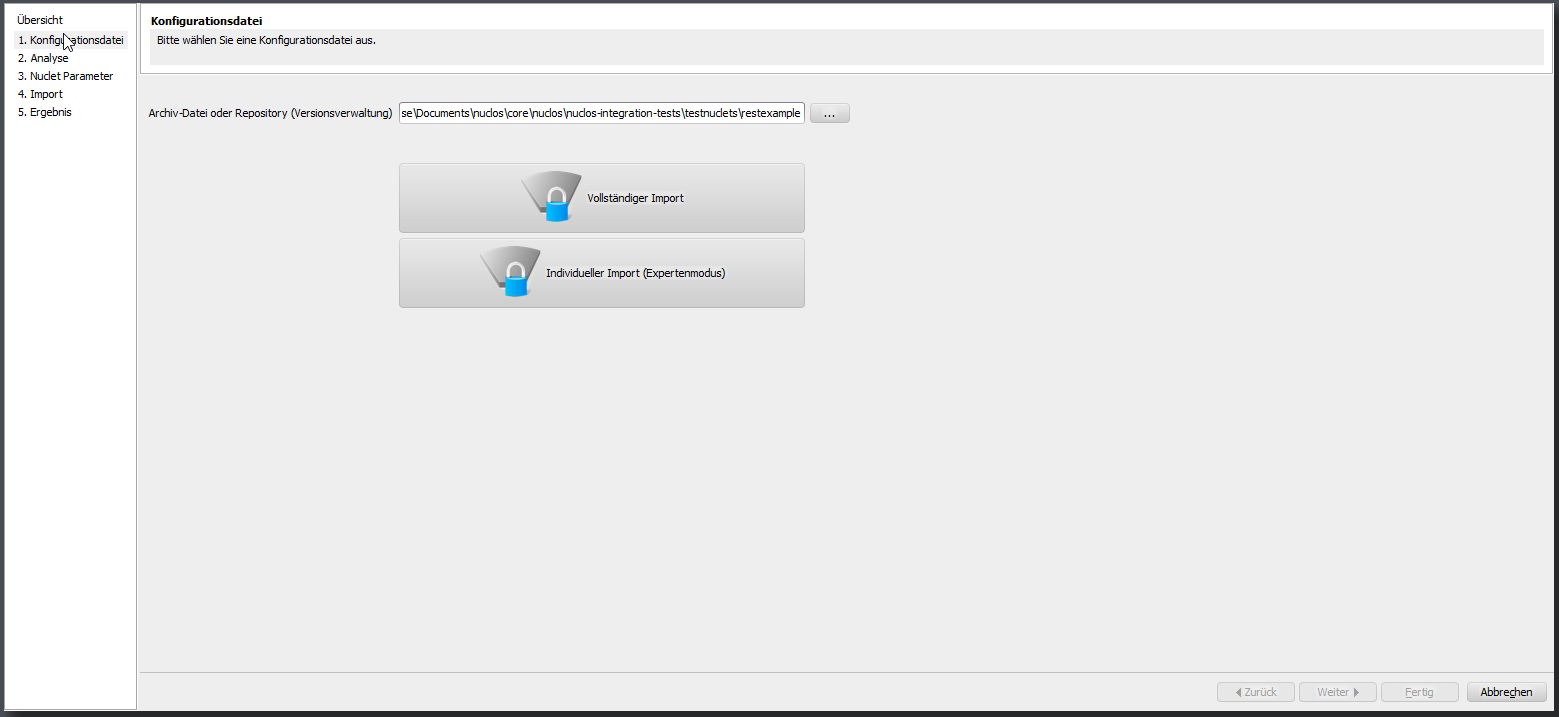
Nuclet import wizard with import options.
A restart of the instance is recommended after every nuclet import. |