Nuclos bundle package embed: jar cvf, nuclet extension, server extension, extensions/server, WEB-INF/lib, properties. |
Language: Deutsch · English
Package language bundles as a JAR and embed them as a nuclet extension or via the file system.
On this page |
Place the bundle files in a subfolder of your project (e.g. <project>/Bundle/BundleWS) and package them via the JDK:
cd <project>/Bundle/BundleWS jar -cvf ../Bundle.jar . # package jar xf ../Bundle.jar # unpack |
For the |
.jar.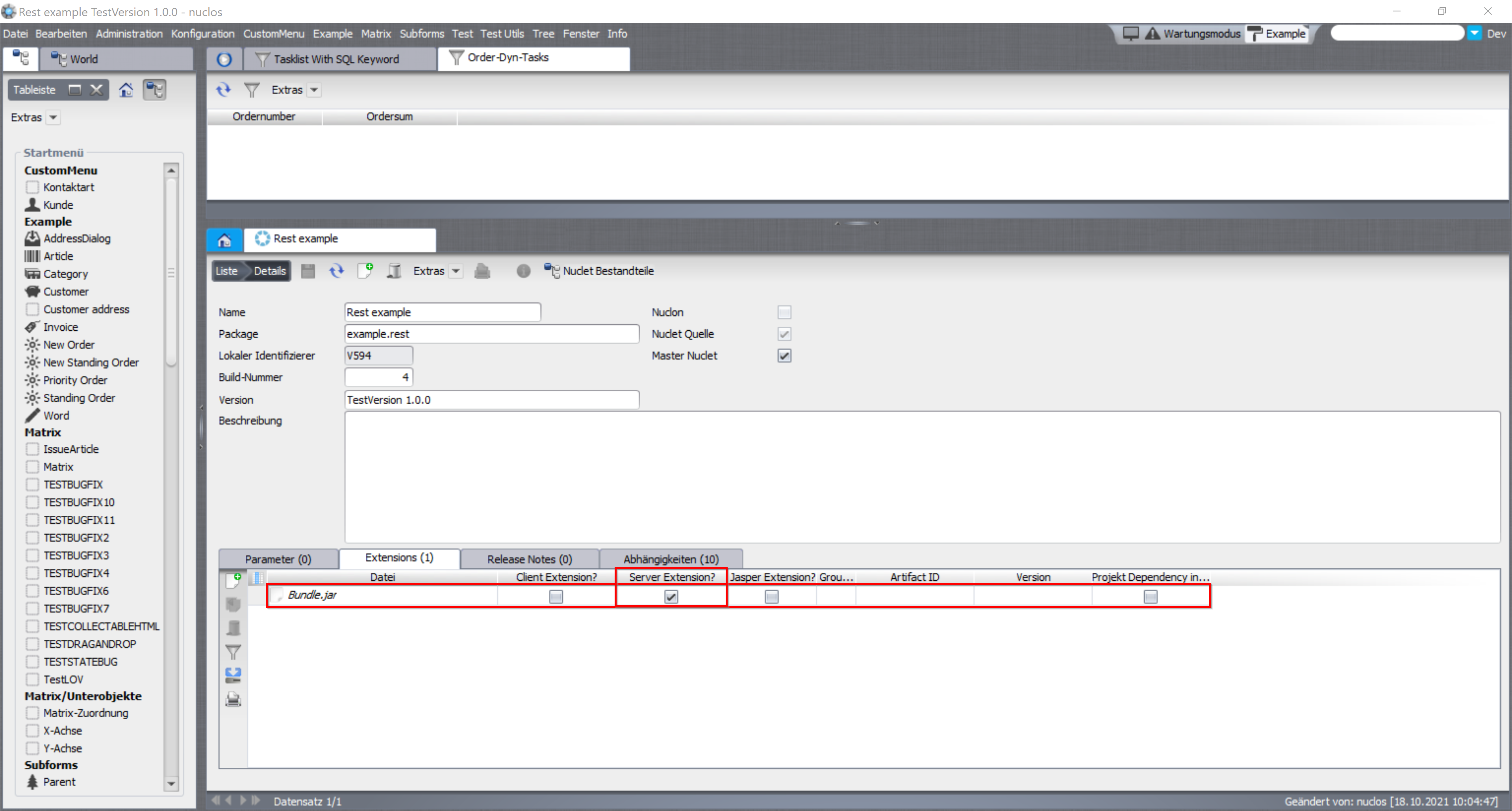
Embedding the bundle as a nuclet extension.
Place Bundle.jar in both folders and restart the server:
<Nuclos>/extensions/server<Tomcat-temp>/webapp/WEB-INF/libWith the file-system variant it is not visible in the Nuclos UI that a bundle was loaded. |