
Language: Deutsch · English
 Multi axis
Combine several charts in a multi axis chart and position axes via design, XML or a customizer.
HOW-TO APPLICATION DEVELOPER UPDATED: JUL 2026 APPLIES TO NUCLOS 4.2026.X
On this page
A multi axis chart combines several charts of the same type – e.g. with separate axes on the left and right.
Create a multi axis chart
- Drag the chart element from the palette onto the desired band.
- In the chart wizard choose Multi Axis Chart.
- Create a first chart via Next >, finish with Finish.
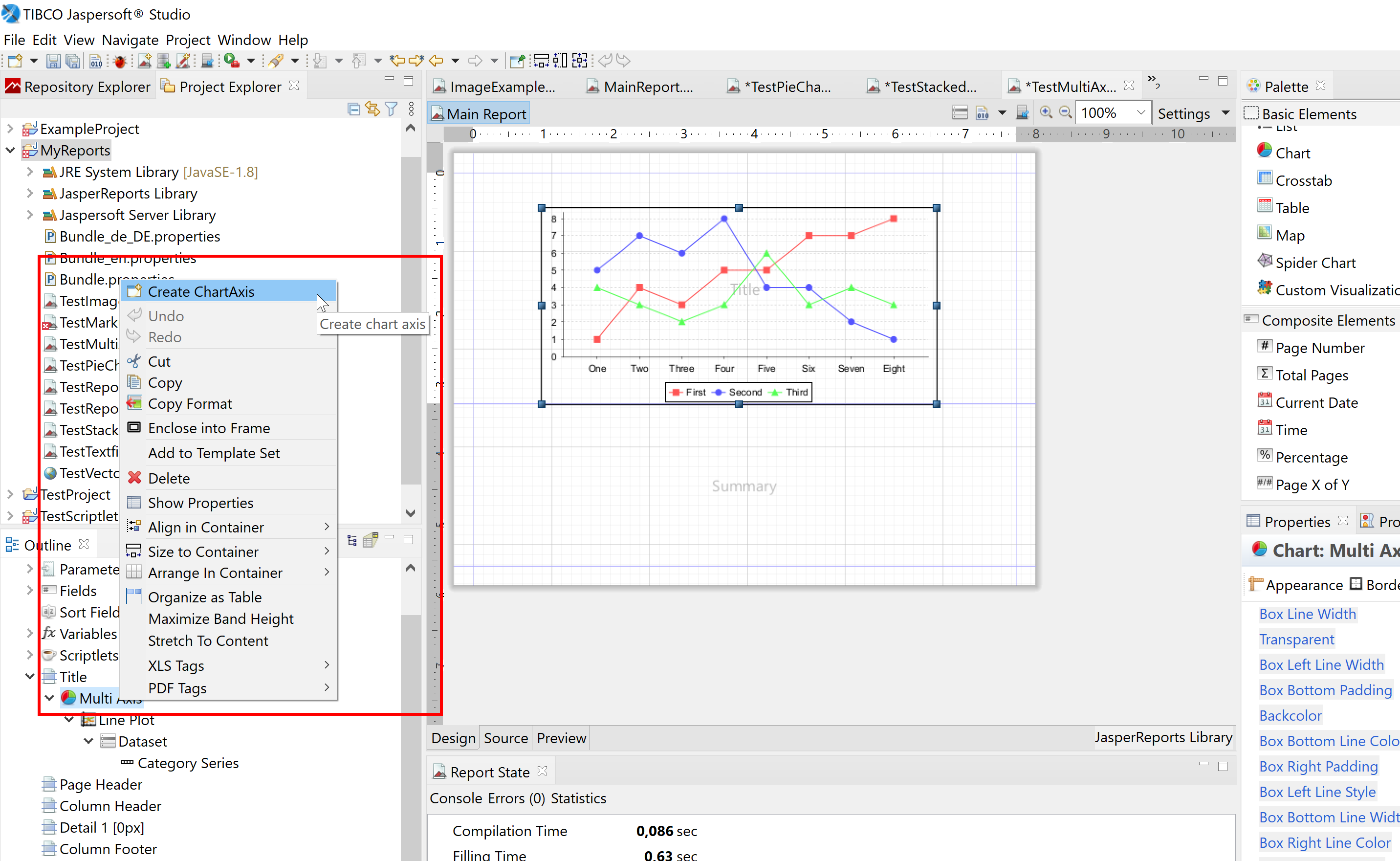
Multi axis chart in the wizard.
Move an axis to the right
In the design view
Select the chart axis → tab Chart Axis → desired position.
In the XML
Each chart inside <MultiAxisChart> starts with <axis>; add position="rightOrBottom" there.
Via a chart customizer
@Override
public void customize(JFreeChart chart, JRChart jasperChart) {
        Plot plot = chart.getPlot();
        if (plot instanceof CategoryPlot) {

         ((CategoryPlot) plot).setRangeAxisLocation(AxisLocation.TOP_OR_RIGHT);
         ((CategoryPlot) plot).setDatasetRenderingOrder(DatasetRenderingOrder.FORWARD);

        } else if (plot instanceof XYPlot) {

            ((XYPlot) plot).setRangeAxisLocation(AxisLocation.TOP_OR_RIGHT);
            ((XYPlot) plot).setDatasetRenderingOrder(DatasetRenderingOrder.FORWARD);
		}
}
Related pages
Überblick
Inhalte