
Language: Deutsch · English
 Container elements
Structure masks – layout panel, TabbedPane, ScrollPane and SplitPane.
REFERENZ APPLICATION DEVELOPER UPDATED: JUL 2026 APPLIES TO NUCLOS 4.2026.X
On this page
Why container elements?
Container elements structure and group other components in the layout.
Layout panel
A panel holds its own rows and columns. A new panel is initially „(untitled)“; via the Border property (border editor) you set border type and title (incl. translation).
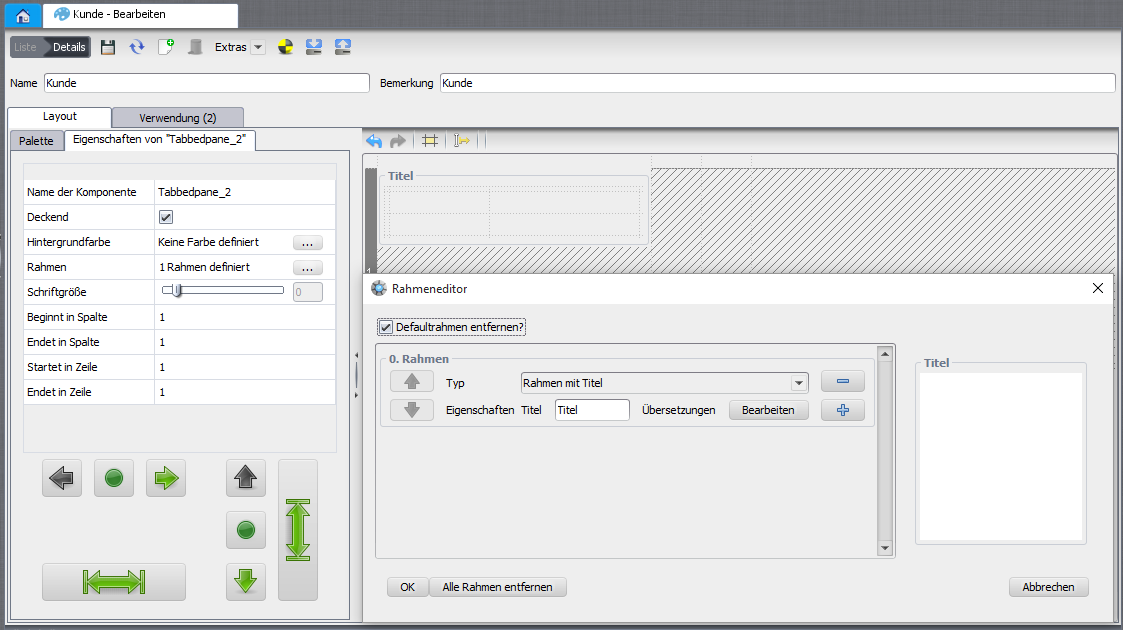
Layout panel with border.
TabbedPane
A panel with multiple tabs – ideal for fitting a lot of content (often subforms) into little space. Right-click a tab: add, rename, keyboard shortcut, remove, reorder, (de)activate. Tab position: top (default), bottom, left, right.
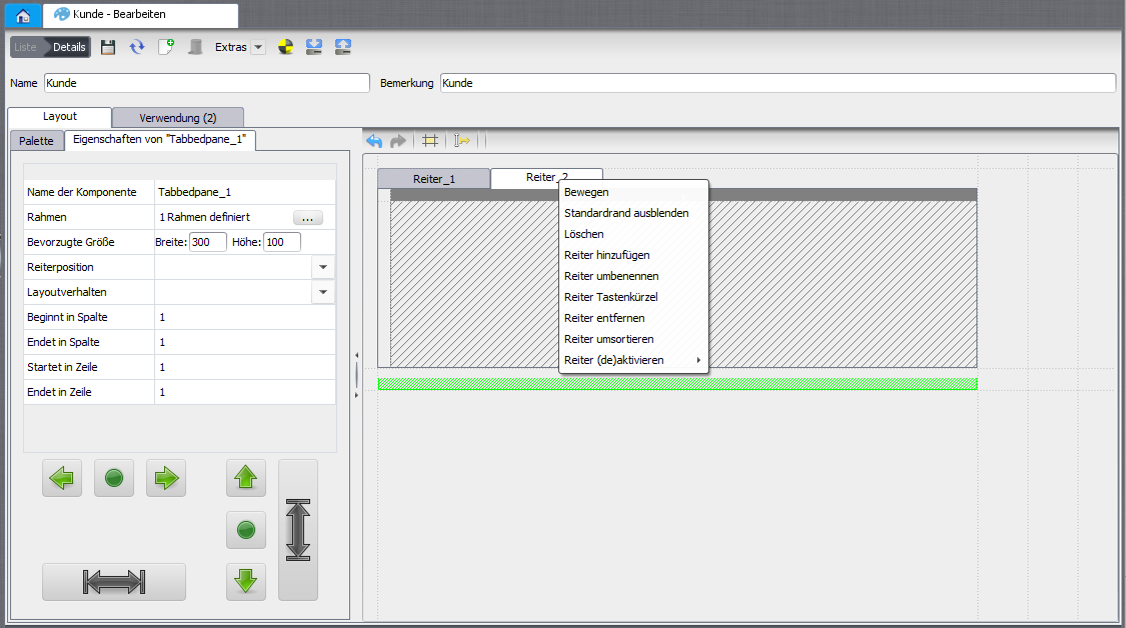
TabbedPane with tabs.
ScrollPane
Allows arbitrarily large content. Vertical/horizontal scrollbar with always, asneeded (only when needed) or never.
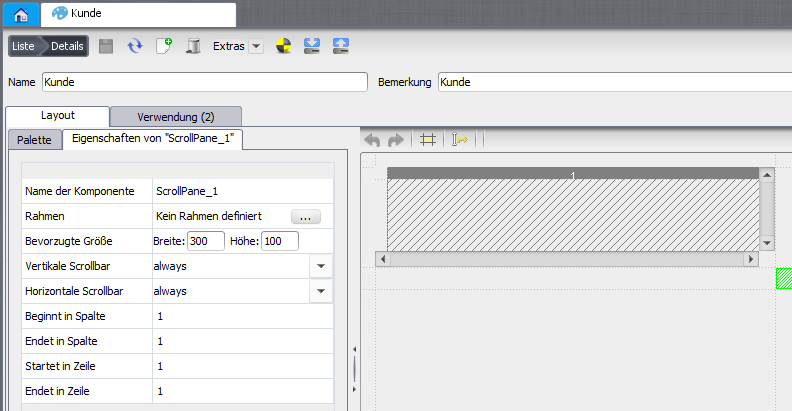
ScrollPane.
SplitPane
Splits the space via a movable divider. Properties: divider width, resize weight, collapsible, continuous layout (live preview while dragging).
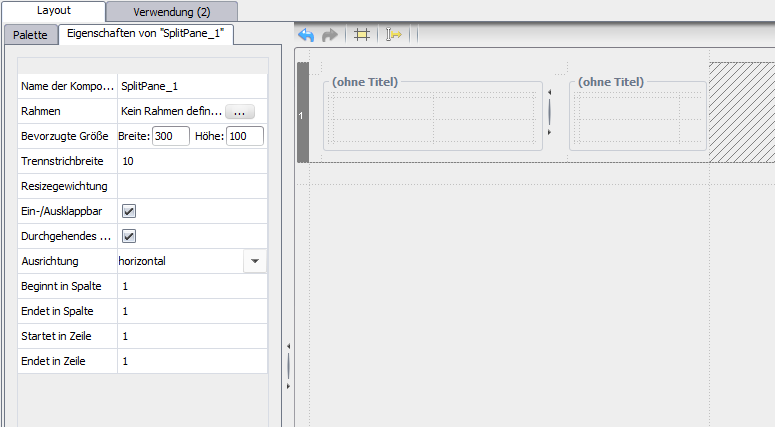
SplitPane.
Related pages
Überblick
Inhalte