
Seitenhistorie
...
| Inhalt | ||
|---|---|---|
|
Releases
| Version | Date | Notes | Compatibility |
|---|---|---|---|
| 1.0.0 | 28.06.2019 | First published version | From 3.34.0 |
Overview
With the Nuclet Spesenabrechnung reimbursements for business trips or other expenses can be requested and approved.
The reimbursement amount is calculated automatically based on the distance travelled, meal allowances (including any deductions) and further - manually entered - receipts.
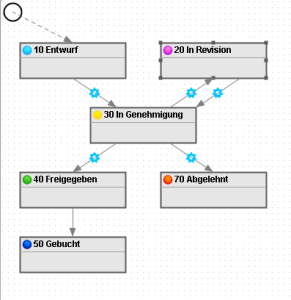
The approval process runs via a status model. On a status change, the person who handles the next step is informed by email (optional).
The approval is always carried out by the supervisor entered in the employee record.
Dependencies / prerequisites
In order to use the expense report Nuclet, it is necessary that the following Nuclets already exist in the system before installation:
| Number ranges |
| Emailversand |
Integration
The integration after a successful Nuclet import (see Nuclet import) is to be carried out as follows.
| Step | Description | Example |
|---|---|---|
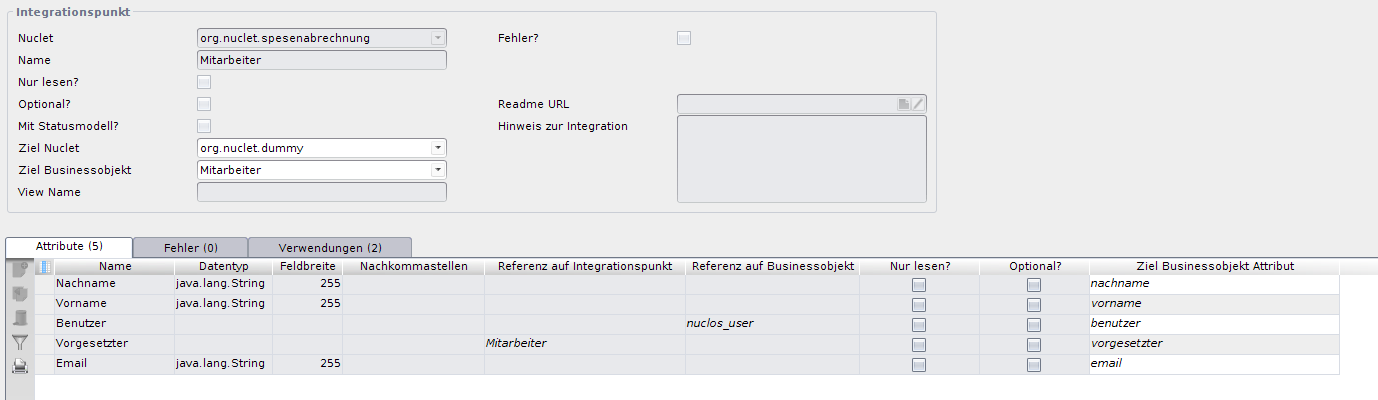
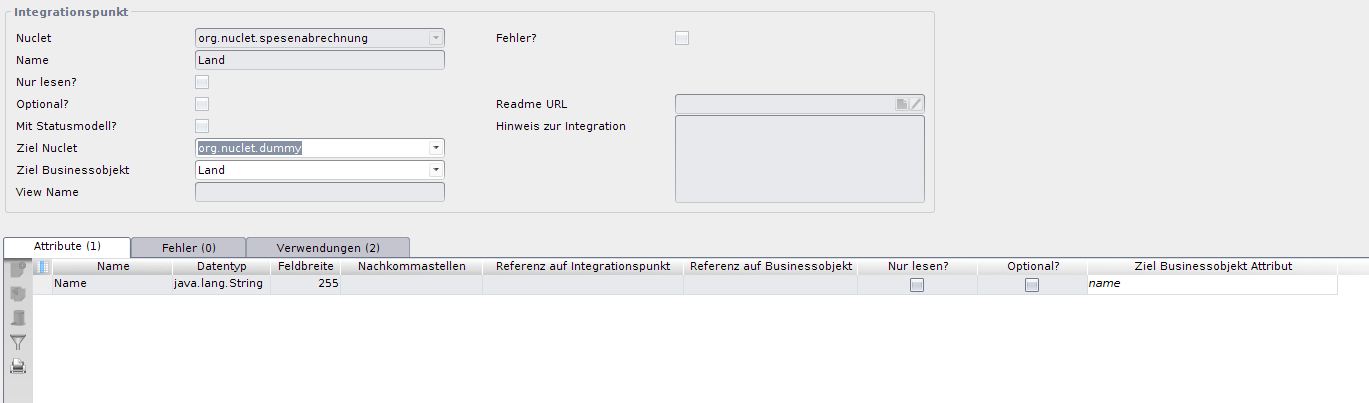
| 1 - Integration points | Usually every project has a Nuclet in which most of the functionality is located ([haupt-Nuclet]). For the expense report Nuclet to function correctly, it must be connected to this one. For this purpose, two integration points are set up, to which the corresponding objects of the [haupt-Nuclet] must be connected. Therefore, in the [haupt-Nuclet] there must be two BOs in which data for Employees and Country are stored. The BO for Employees must have equivalents for the following columns:
The BO for Country must have an equivalent for the following column:
Navigate to Konfiguration Configuration → Integrationspunkte Integration points and configure these (see also link). |
|
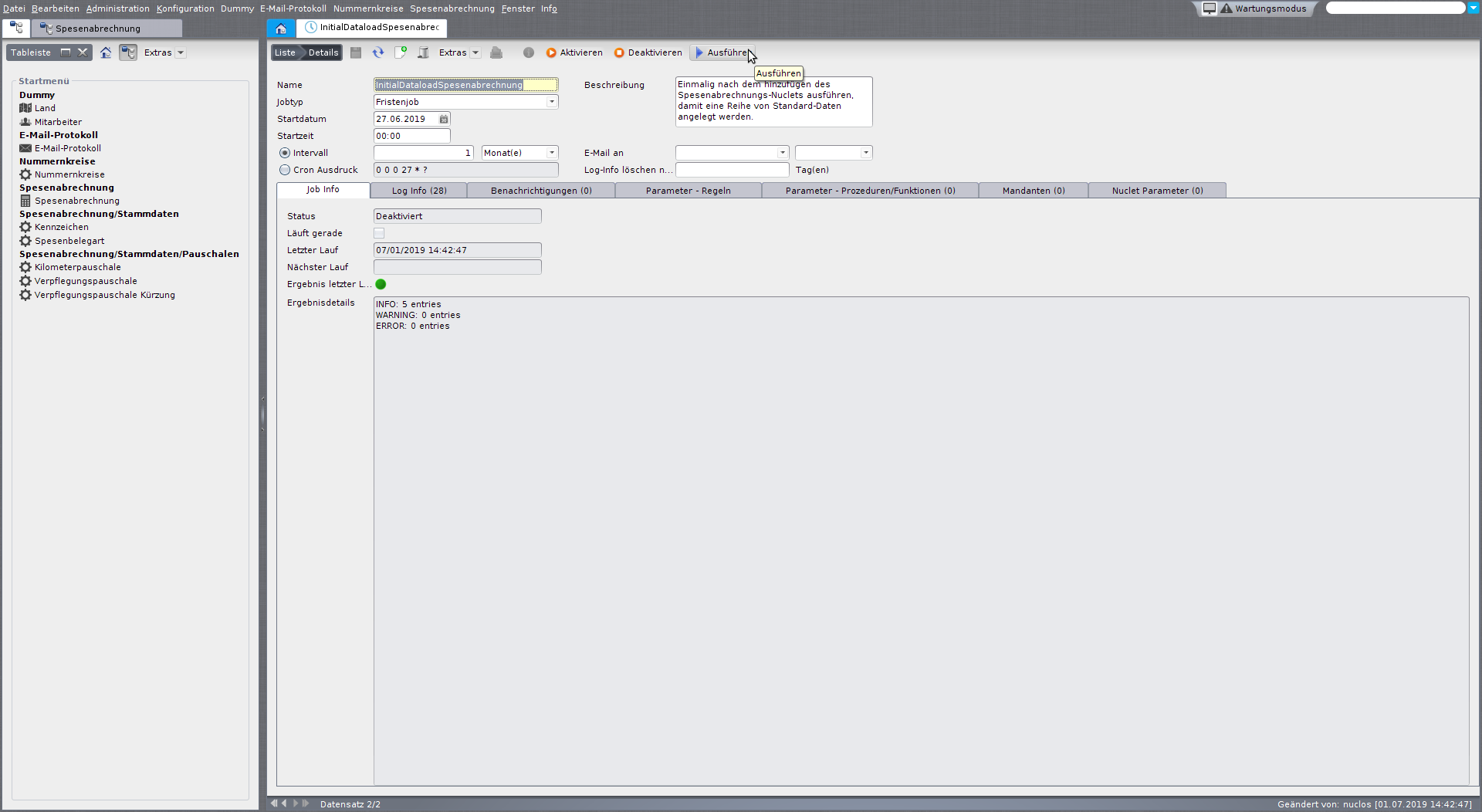
| 2 - Preset for Germany (optional) | In your previously connected Country-BO einen Eintrag an entry "Deutschland" oder or "Germany" an. Navigate to Administration → Job control and run the job InitialDataloadSpesenabrechnung . The tables Kilometerpauschale, Verpflegungspauschale and Verpflegungspauschale Kürzung Reduction should now have a number of entries. If your Country - BO keinen Eintrag für had no entry for "Deutschland" oder or "Germany" hatte, müssen Sie für die neu generierten Einträge der Tabelle , you must, for the newly generated entries of the table, Verpflegungspauschale still add the country. |
|
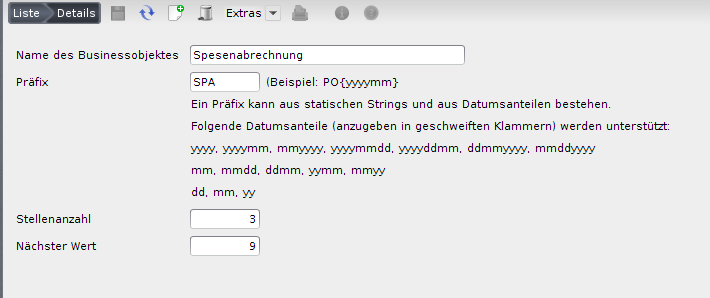
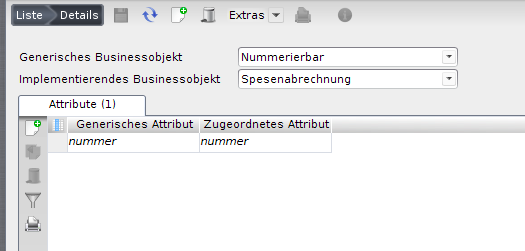
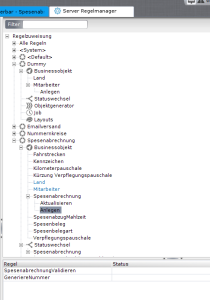
| 3 - Create number range | Now configure the Nummernkreis for the expense report BO. To do this, in the BO Number ranges create a new entry that stores the corresponding settings. Make sure that under Konfiguration Configuration → Regelwerke → Generische Implementierung there is an entry for the expense report object, so that it implements the generic object Nummerierbar is implemented. Make sure that under the BO Spesenabrechnung under Konfiguration Configuration → Server Regelmanagerrule manager the insert rule GeneriereNummer is assigned. |
|
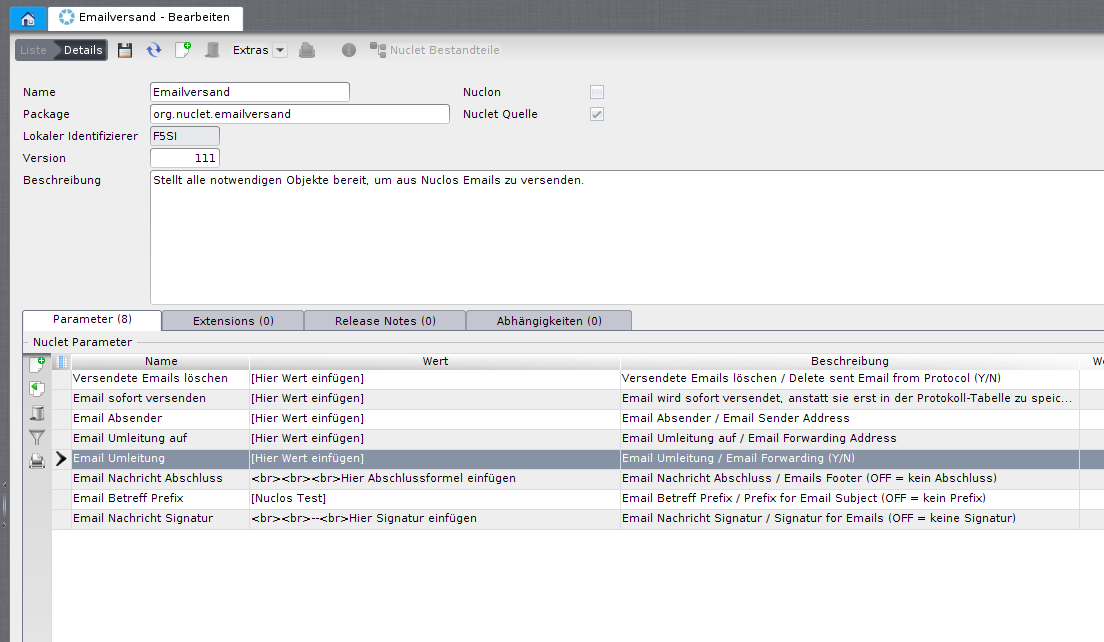
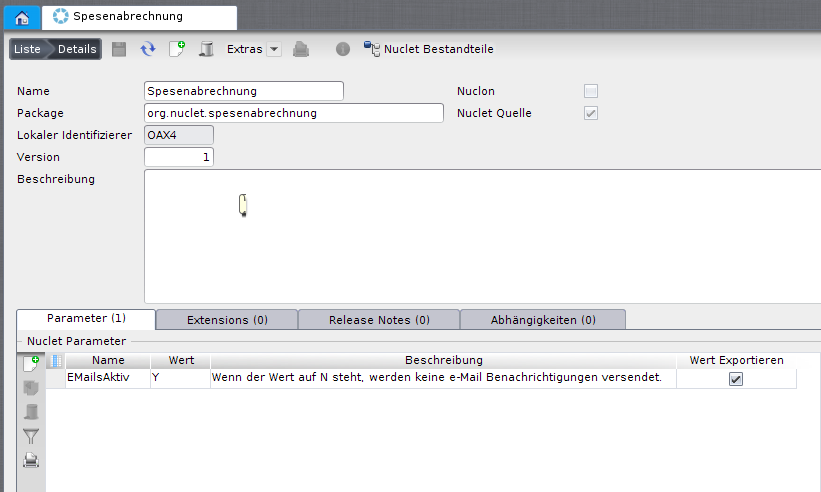
| 4 - Configure email Nuclet | Configure the E-Mail-Versand Nuclet if you are using it for the first time. For this purpose, refer to the wiki article Nuclet: Email sending. If you wish, you can use the Nuclet parameter (of the expense report Nuclet!) EMailsAktiv to switch off all email notifications. In this case, you also do not need to configure the E-Mail-Versand Nuclet any further.
|
|
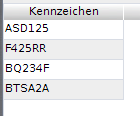
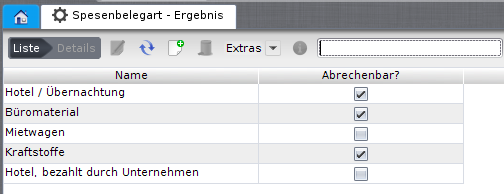
5 - Create master data | Fill the master data tables according to your requirements. If you have carried out step 2, the tables Kilometerpauschale, Verpflegungspauschale and Verpflegungspauschale Kürzung Reduction are preset with Germany-specific values. Also note that different meal allowances may apply for business trips abroad - these must be added manually. In the table Kennzeichen you can manage the number plates of the vehicles used. In the table Spesenbelegart you can create types of expense receipts and determine whether they are billable.
The Nuclet is now integrated and can be used! |
|
 Please note, however, that the existence of the E-Mail-Versand Nuclet is still a prerequisite for the expense report Nuclet to work.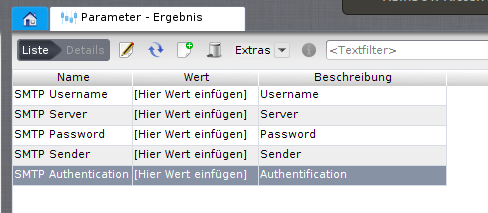
...
Überblick
Inhalte