Electronic invoices Nuclet – version 1 - electronic invoices - xrechnung and zugferd. |
Language: Deutsch · English
Version 1 - Electronic invoices - XRechnung and ZUGFeRD – part of the Electronic invoices Nuclet documentation (version 1 of the electronic invoices Nuclet).
On this page |
This page was machine-translated from German as a first draft and is currently under review. The authoritative source remains the German original (see the language switch above). |
| Version | Date | Notes | Compatibility |
|---|---|---|---|
| 1.0.0 | 11.03.2021 | First published version | from Nuclos 4.44.1 |
| 1.1.0 | 2.09.2023 | Update to XRechnung 2.3.1 | from Nuclos 4.46.9 |
The Nuclet enables the generation of electronic invoices in xml format, their official validation and their presentation in an html file.
The following format is supported: XRechnung in version 2.3.1, which covers the xml part of the specification ZUGFeRD at least in version 2.0.
Note: An additional integration into a pdf file would in principle be possible by extending the Nuclet, but not in format PDF/A-3 (necessary for ZUGFeRD invoices).
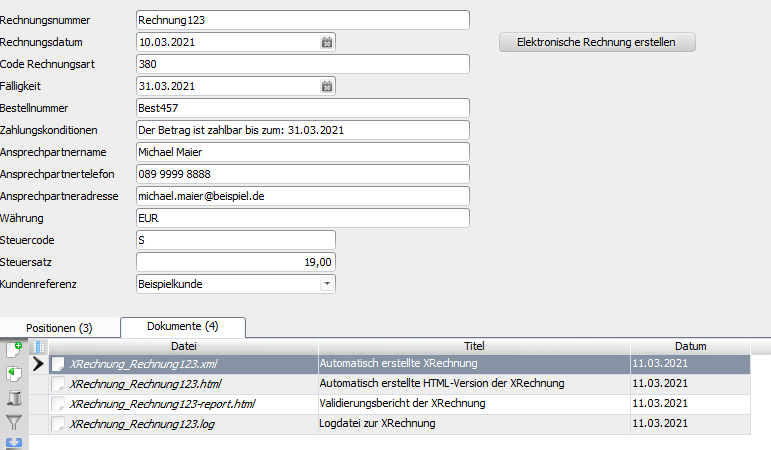
The generation takes place via a button embedded in a suitable layout and creates the following files in a suitable subform:
⦁ xml file according to the XRechnung standard
⦁ html file as a preview of the generated data
⦁ html file with the results of the validation
⦁ log file with the results of the invoice generation
Optionally, a validation of the Leitweg-ID is also included in the Nuclet.
An example is available in the attached Beispiel-Nuclet .
New parameter Ablagepfad:
The integration after a successful Nuclet import (see Nuclet import) is to be carried out as follows.
| Step | Description | Screenshot |
|---|---|---|
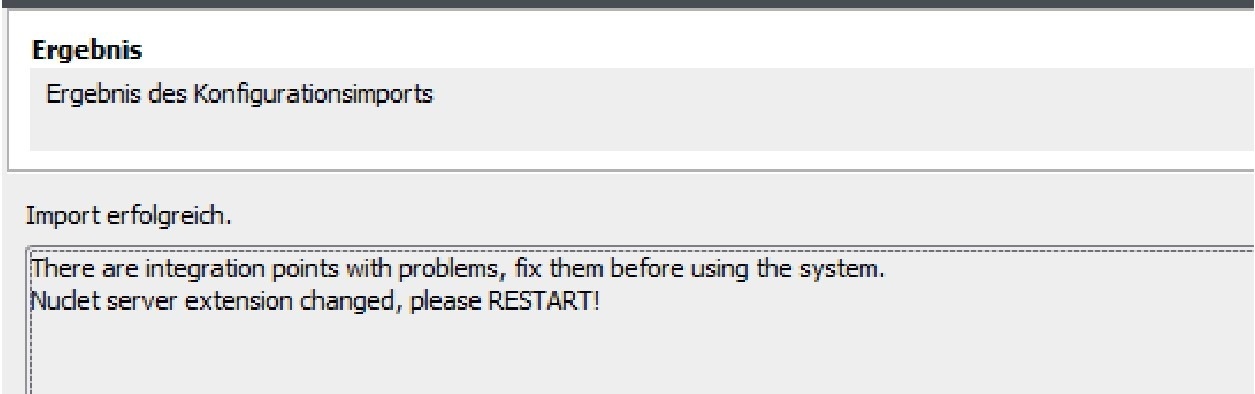
| 1 | After importing, the server instance must be restarted, as the Nuclet contains its own extensions. |
|
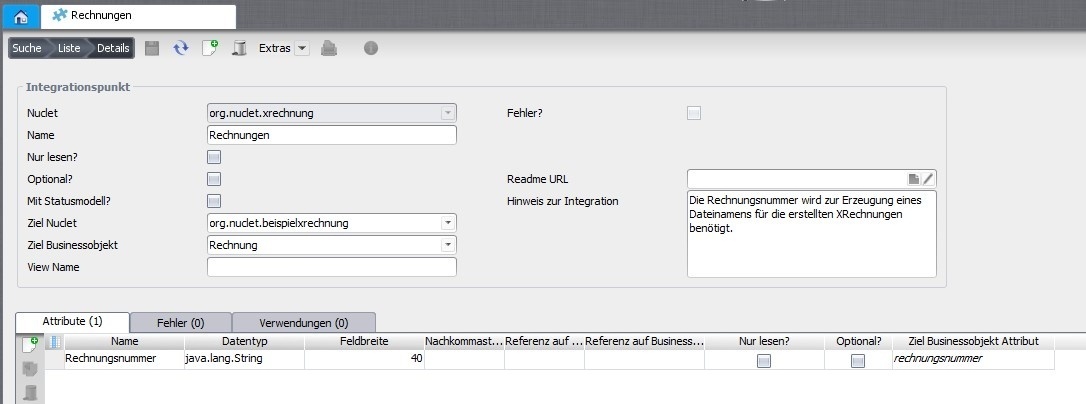
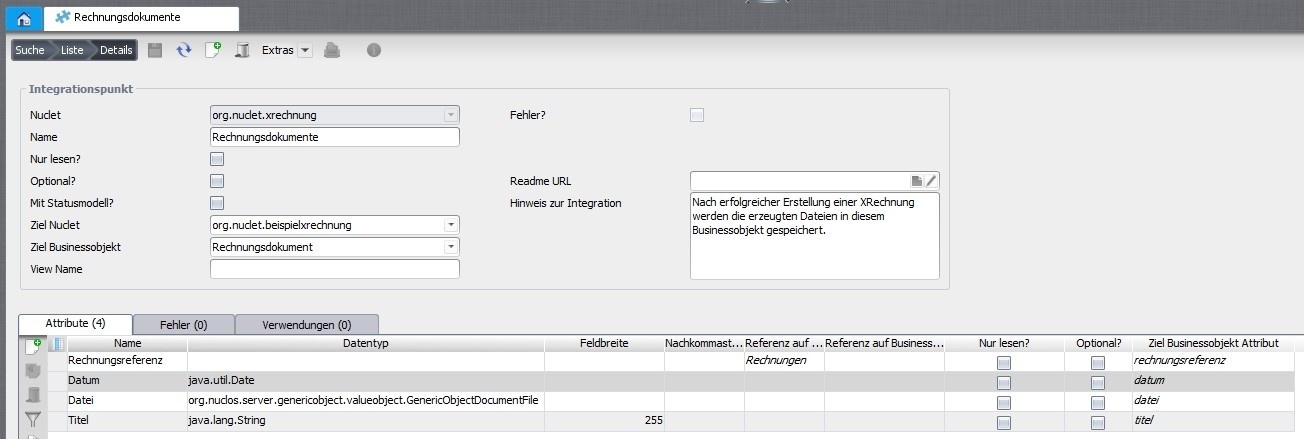
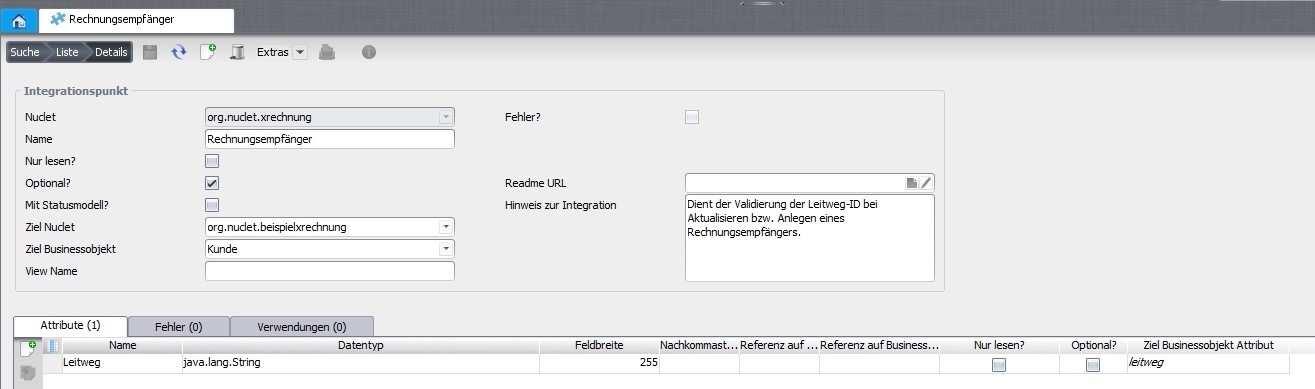
| 2 | Three business objects are required, which can be embedded under Konfiguration → Integrationspunkt .
|
|
| 3 | In addition, there must be a business object for the invoice items , but this is not required for the integration points. |  |
| 4 | The Nuclet also contains three data sources (Konfiguation → Datenquellen → Report & Formular), which still have to be adapted to the respective circumstances.
These supply the actual data for generating the electronic invoice. An example is available in the attached Beispiel-Nuclet available. The assignment of the data fields to the contents of the electronic invoice takes place according to the XRechnung standard, but only some of the available fields are supported (see data sources or Testfallgruppe_01.xlsx). |
|
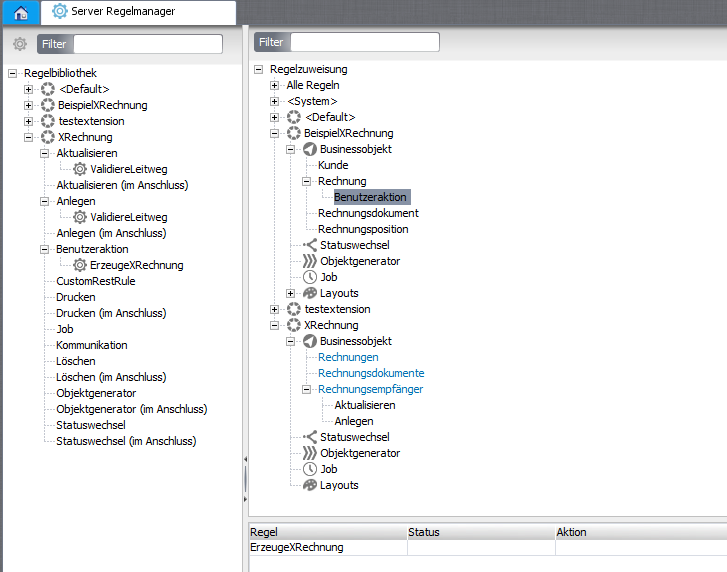
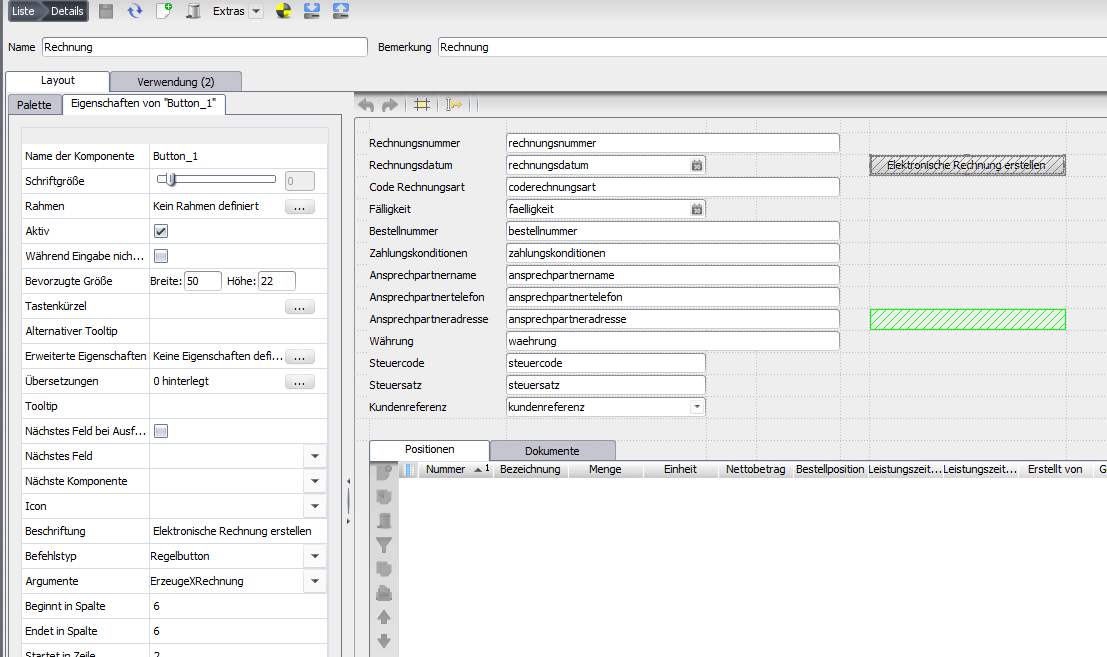
| 5 | After that, the rule ErzeugeXRechnung can be linked to the corresponding business object (Konfiguration → Server Regelmanager) and embedded via a button in the layout (Konfiguration → Layout). The rules for validating the Leitweg-ID are automatically linked to the business object Invoice recipient . |
|
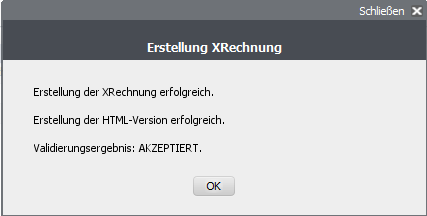
| 6 | In the case of valid data, the four files described above are generated via the button and the result is presented in a message. |
 |