Nuclos list export: export the result list to Excel, PDF or CSV; „Export list“ permission, Excel row limit. |
Language: Deutsch · English
Export the result list to Excel, PDF or CSV.
The export is triggered via Export list at the bottom right of the result view. It requires the Export list right – without it the button is missing.
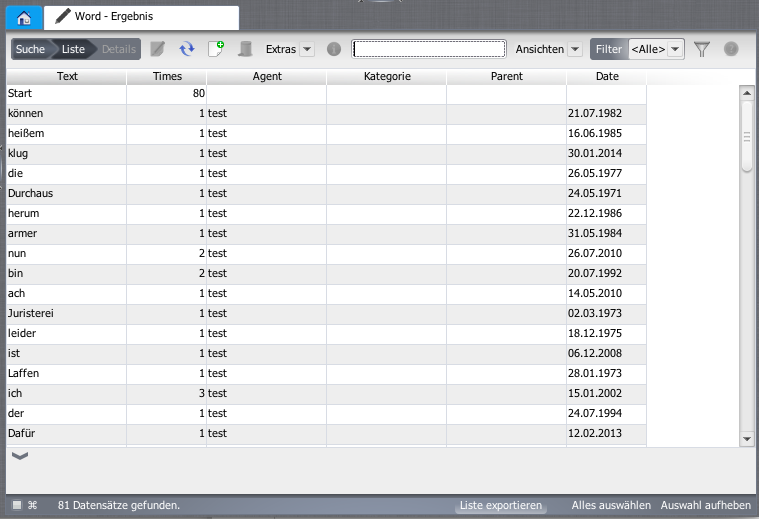
„Export list“ button.
In the Export result / form print dialog choose the format.
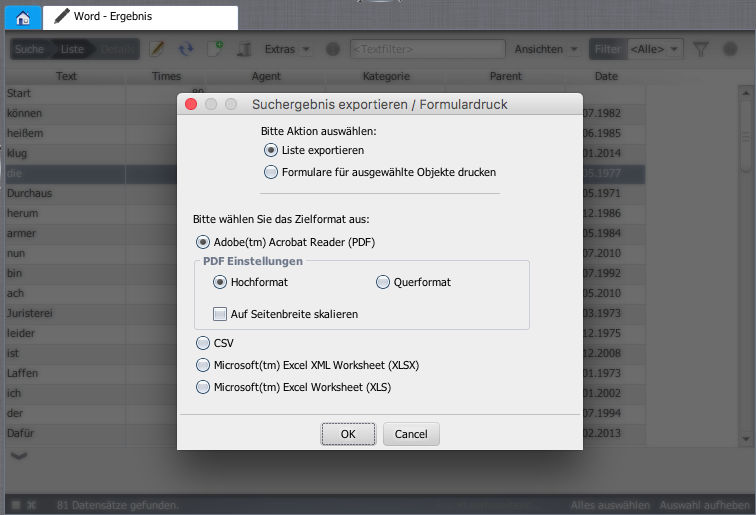
Choose the export format.
Mind format limits: Excel exports at most 65,535 rows. If exceeded, narrow the list further with filters. |
„Copy selected rows“ is only available when the list export right is explicitly granted. |