Nuclos virtual business object: view, intid, intversion, ID factory, UPDATE RULE, VBO, master data, database objects. |
Language: Deutsch · English
Business objects based on a database view – required columns, ID factory, creation via the wizard and write access via UPDATE RULE.
Auf dieser Seite |
A virtual business object is not based on a table but on a database view. A view is therefore a prerequisite (see database objects).
The view must contain at least these columns (exact names!):
intid, -- Datensatzidentifizierer strcreated, -- Ersteller als String datcreated, -- Erstellungsdatum strchanged, -- Änderer als String datchanged, -- Änderungsdatum intversion -- Datensatzversion |
intid must be unique when referenced.intid_str….db_function(intid)::numeric(9,2)).Column names: lowercase, no special characters, max. 30 characters. Names in the data source and BO are case-sensitive and must match. Good: |
To write via a virtual BO an ID factory (sequence function) is required:
CREATE OR REPLACE FUNCTION Y25N_IDFACTORY()
  RETURNS numeric
  LANGUAGE 'plpgsql'  COST 100
  VOLATILE
AS $BODY$DECLARE
  id numeric;
BEGIN
   SELECT NEXTVAL('idfactory') INTO id;   RETURN id;
END;$BODY$; |
Create a new BO in the business object wizard and in step 2 via Show advanced properties:
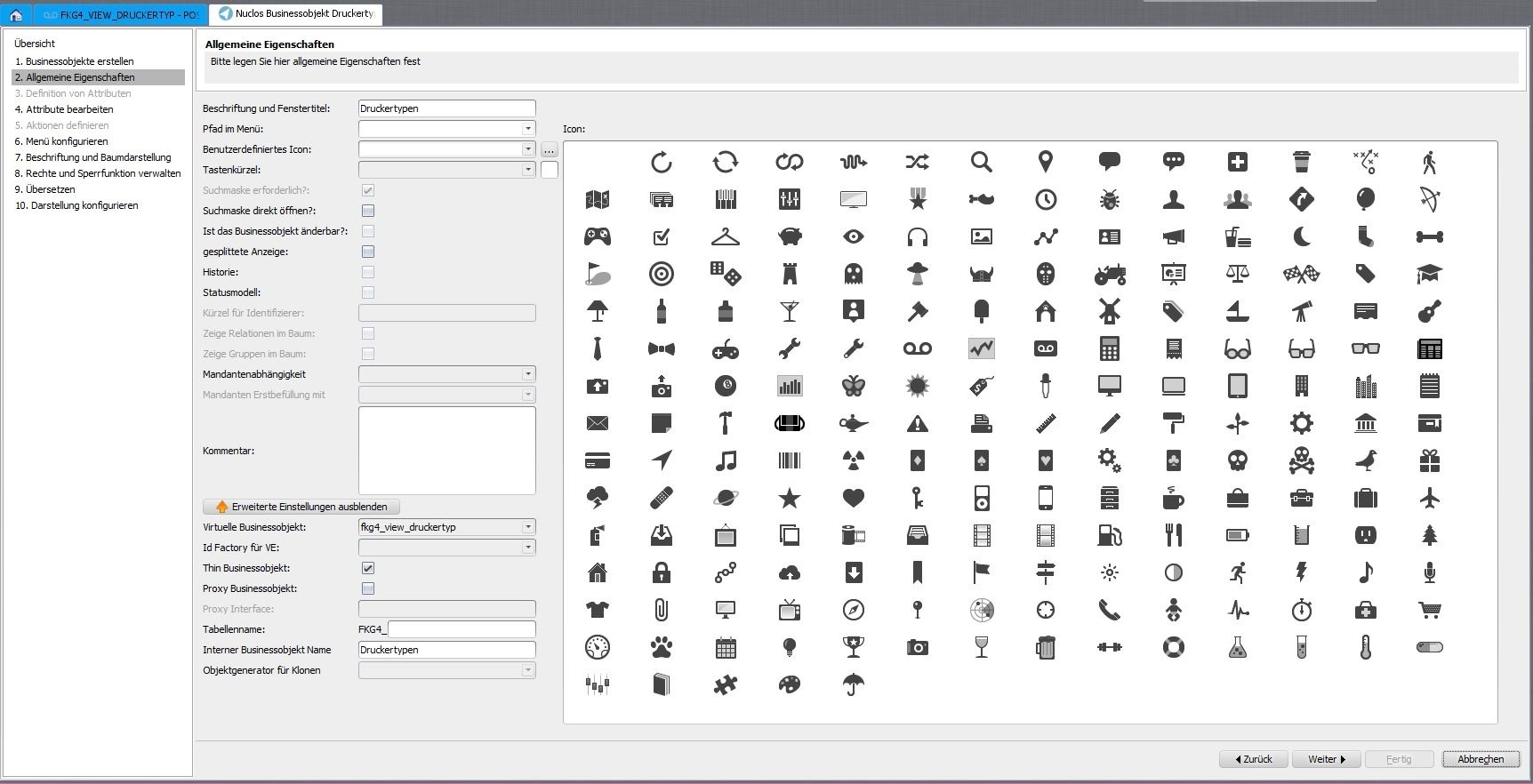
Advanced properties of the virtual BO.
To create/delete records via Nuclos an additional UPDATE RULE is needed that performs the update on the underlying table(s). |
First adjust and save the view under database objects, then run the business object wizard again.
Virtual BOs are also suitable for fixed master data as part of a nuclet (e.g. Mr/Ms, Yes/No, compass directions). |