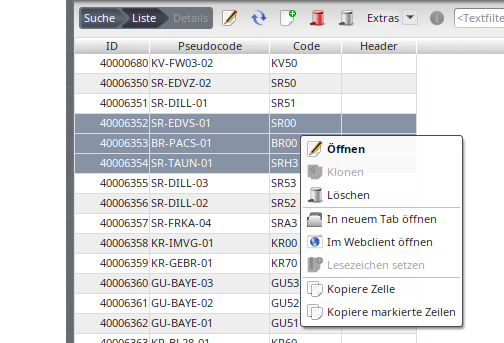
Nuclos bulk editing: select multiple records in the result list and change them together, including status changes.

globe with meridians Language: Deutsch · English

hammer and wrench Bulk editing

Edit several records at once.

Bulk editing of multiple records.

  1. Select records in the result list (Shift + click).
  2. Choose Edit (button or context menu).
  3. The form shows only values equal across all objects; differing fields are highlighted.
  4. Changes apply to all selected objects; a summary appears after saving.

If all objects share the same status (action/system object), a status change is possible too.

Related pages

keyboard Detail form


Single editing.

Open →

clipboard Search results


Select records.

Open →