Import the base Nuclet for trading companies into Nuclos: download from the Nuclet Shop, import via Nuclet management and subsequent integration. |
Language: Deutsch · English
Download the base Nuclet for trading companies from the Nuclet Shop, import and integrate it.
On this page |
The base Nuclet for trading companies covers standard processes (quote, order, purchase order, delivery note, invoice, credit note) and manages master data for customers, suppliers and articles. It's a good starting point for your own processes and a richer learning example. It already includes the number-ranges, email and warehouse Nuclets.
Download it from the Nuclet Shop.
nuclos, empty password).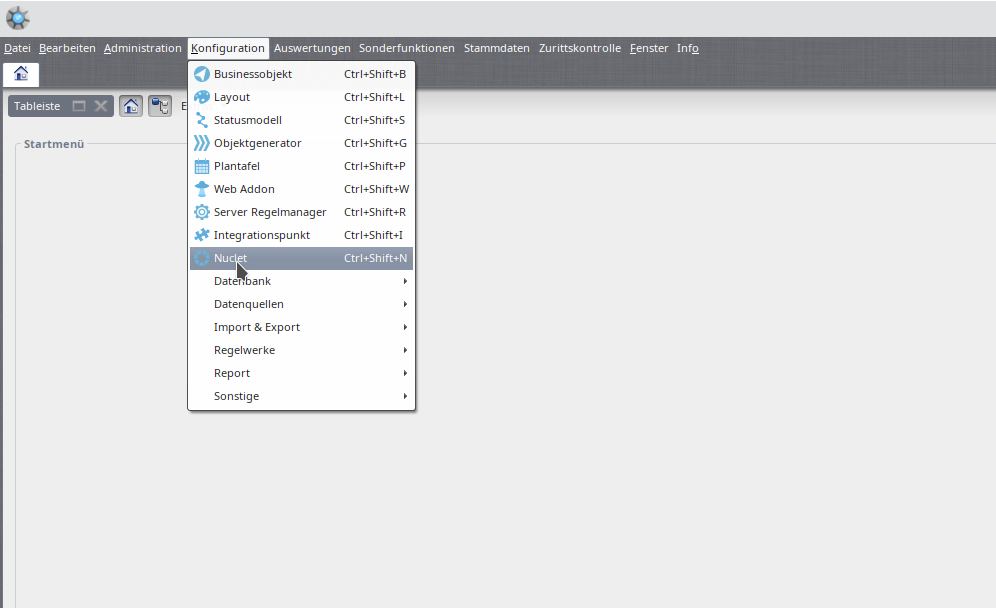
Open Nuclet management.
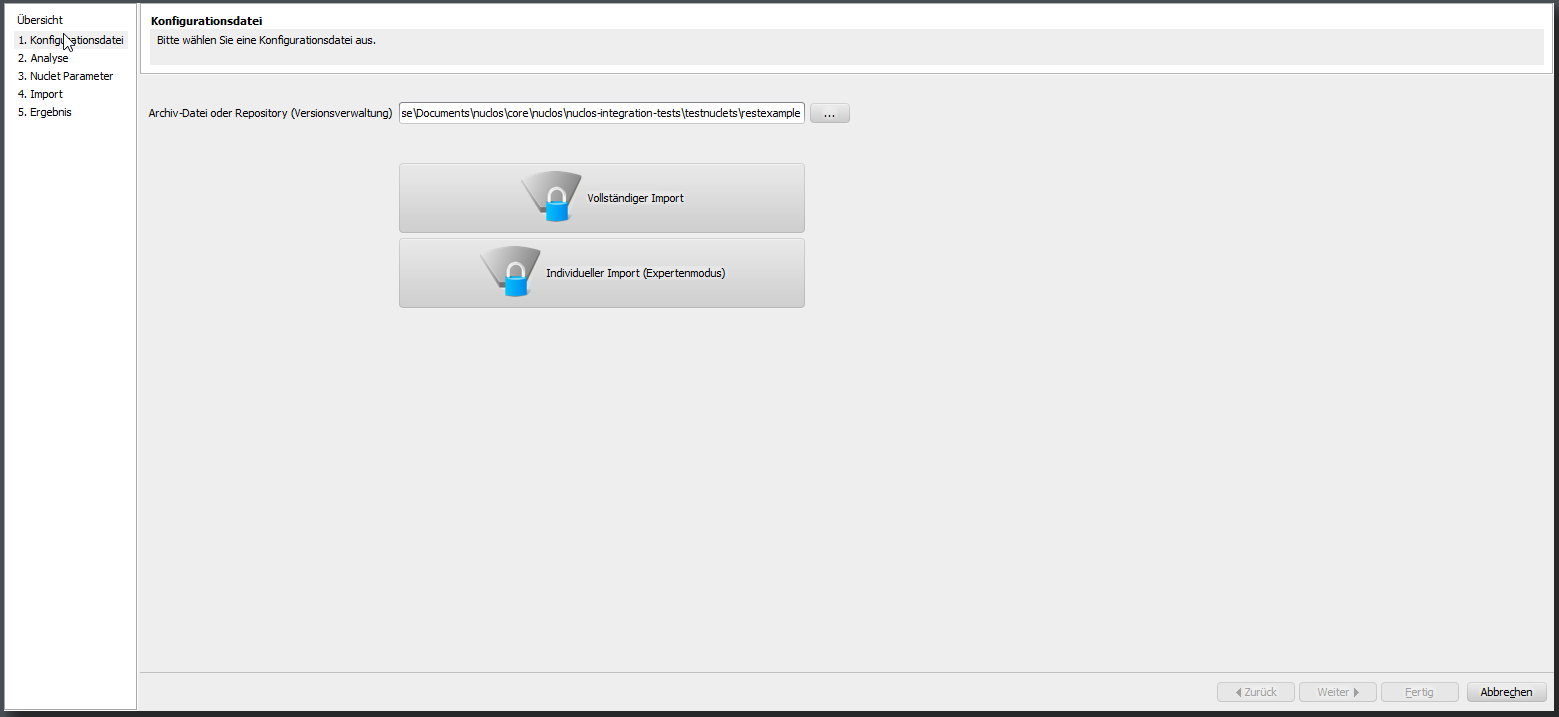
Nuclet import wizard.
| 1 | Run the „Initial Dataload“ job (see job control). |
|---|---|
| 2 | Run the integration steps of the „Email“ Nuclet. Number ranges are handled by „Initial Dataload“; the warehouse Nuclet is pre-integrated. |
| 3 | Define a default warehouse and storage location under „Warehouse“. |
| 4 (optional) | Configure your own VAT ID in the „VAT ID“ Nuclet parameter. |