
Language: Deutsch · English
 Logging
Where the client log files are and how to open them – for Web and Rich client.
REFERENZ ADMIN / OPERATIONS UPDATED: JUL 2026 APPLIES TO NUCLOS 4.2026.X
On this page
Web Client
The Nuclos Launcher creates instance-specific client logs. Open them directly via the context menu function Open client log.
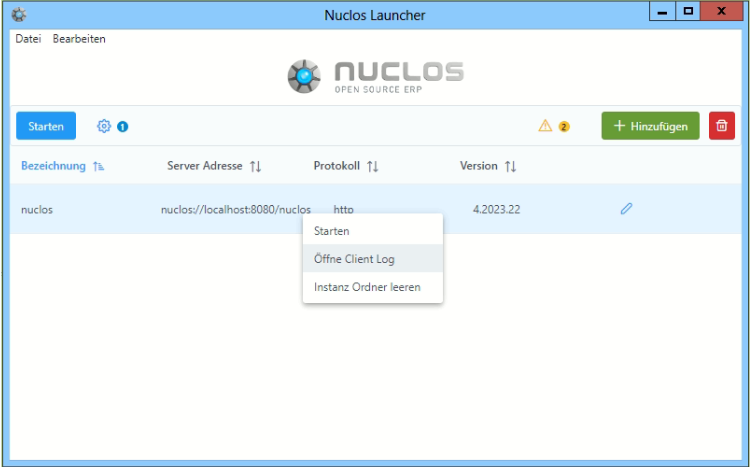
Open the client log via the Launcher.
Rich Client
The Rich Client writes nuclos_client.log to:
| Operating system | Path |
|---|---|
| Windows | C:\Users\<user>\AppData\Local\Temp\ |
| Linux | /tmp |
| macOS | /tmp |
Here you find, among others, the errors occurring in the client.
Related pages
Überblick
Inhalte