
Language: Deutsch · English
 macOS tips and tricks
Get Nuclos running on a Mac: Gatekeeper, signed installers, the Nuclos macOS tools and where the JDK lives.
HOW-TO USER UPDATED: JUL 2026 APPLIES TO NUCLOS 4.2026.X
On this page
Since macOS Sierra (10.12), stricter security often blocks unsigned apps – sometimes with the misleading message that the app is "damaged". These tips help.
Prefer signed installers
Newer installers are signed (nuclos-X.Y.Z-installer-macOS.app) and run with the "App Store and identified developers" setting. Unsigned ones are named nuclos-X.Y.Z-installer-osx.app.
Temporarily relax Gatekeeper
If the "Anywhere" option is missing, re-enable it via Terminal (admin account):
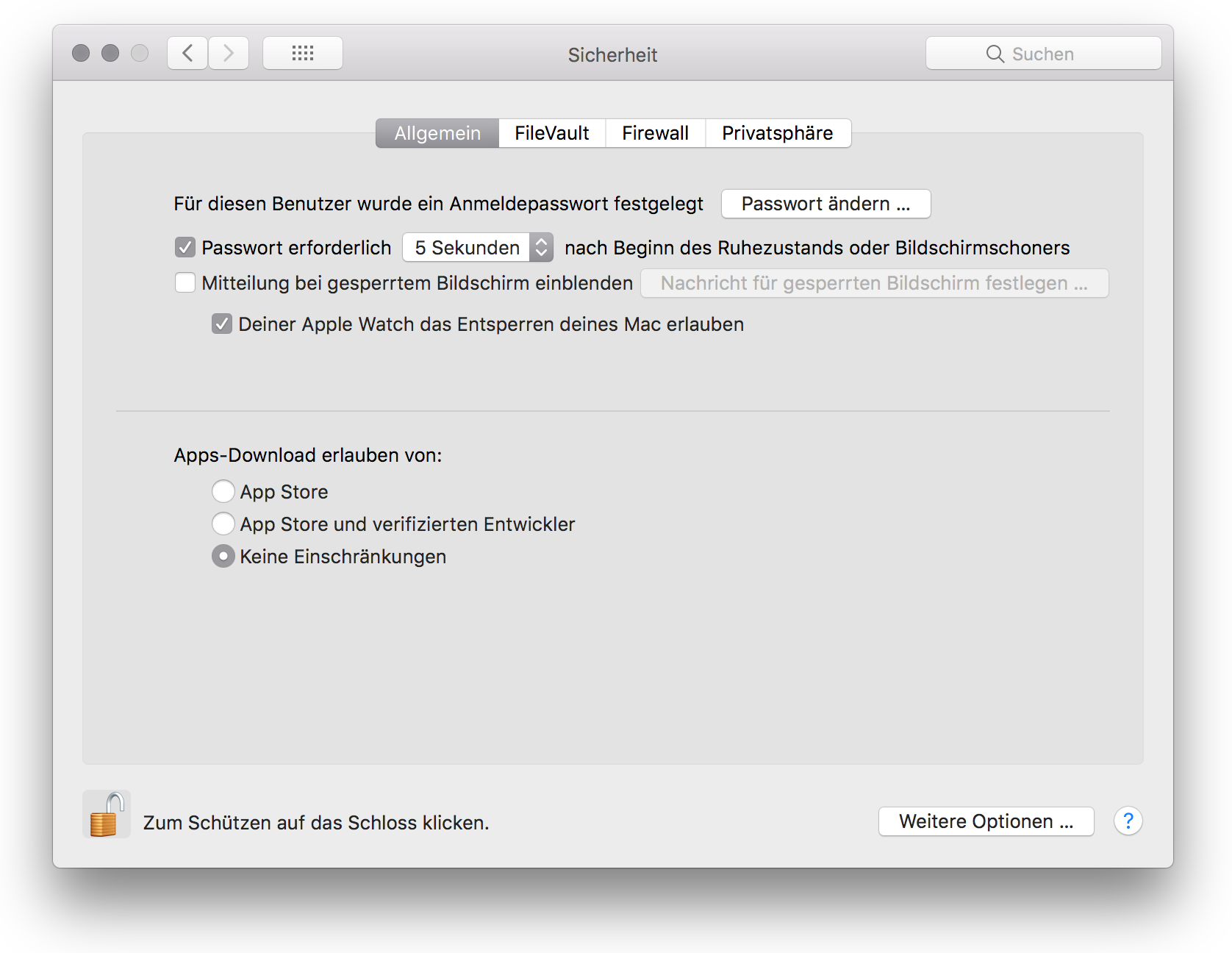
macOS security settings.
sudo spctl --master-disable
The setting resets after 30 days; prevent that with:
sudo defaults write /Library/Preferences/com.apple.security GKAutoRearm -bool NO
Security
These steps lower system security. Use them deliberately and prefer signed installers.
Nuclos macOS tools
Small helpers for a locally installed Nuclos (require an installed JDK):
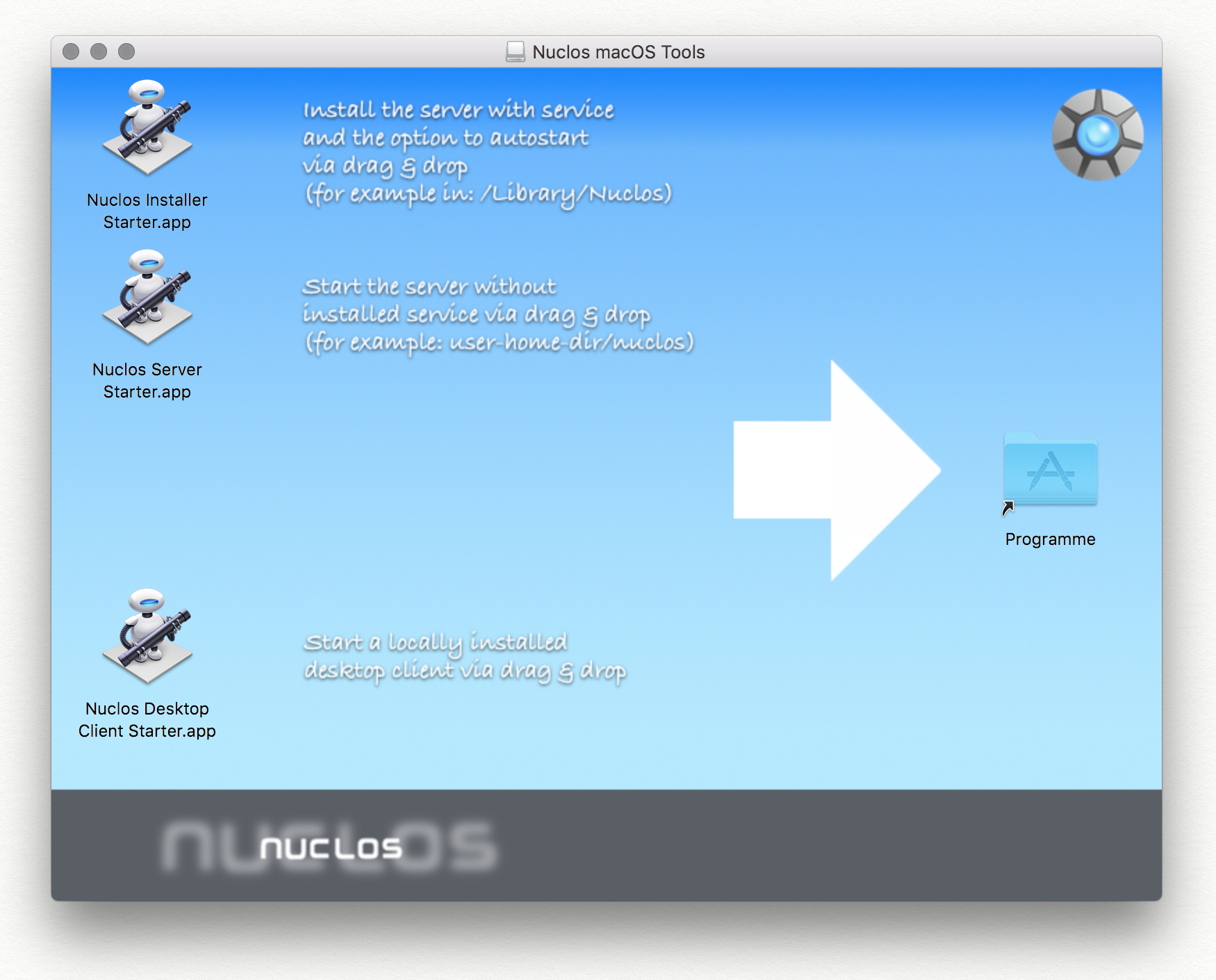
The Nuclos macOS tools (DMG).
- Nuclos Installer Starter – drag a macOS installer onto it to run with admin rights.
- Nuclos Server Starter – drop a Nuclos HOME directory to start the server with user rights.
- Nuclos Desktop Client Starter – starts the standalone client (DE) (no Web Start).
Where is the JDK?
Usually under /Library/Java/JavaVirtualMachines. In the installer pick e.g. /Library/Java/JavaVirtualMachines/<jdk>/Contents/Home.
Related pages
Überblick
Inhalte