
Language: Deutsch · English
 First steps with Jasper Studio
Your first report in Jaspersoft Studio – Blank A4, project, fields and compatibility settings.
TUTORIAL APPLICATION DEVELOPER STAND: JUL 2026 GILT FUER NUCLOS 4.2026.X
Auf dieser Seite
Preparation
Whether report or form – you need a template with defined dimensions. In Jaspersoft Studio you choose ready-made layouts or free dimensions. Recommended: Blank A4.
Important
In practice, sizes other than Blank A4 cause problems with print output. Please use A4.
Step 1 – create a new report
File → New, choose Report on the left and Blank A4 on the right.
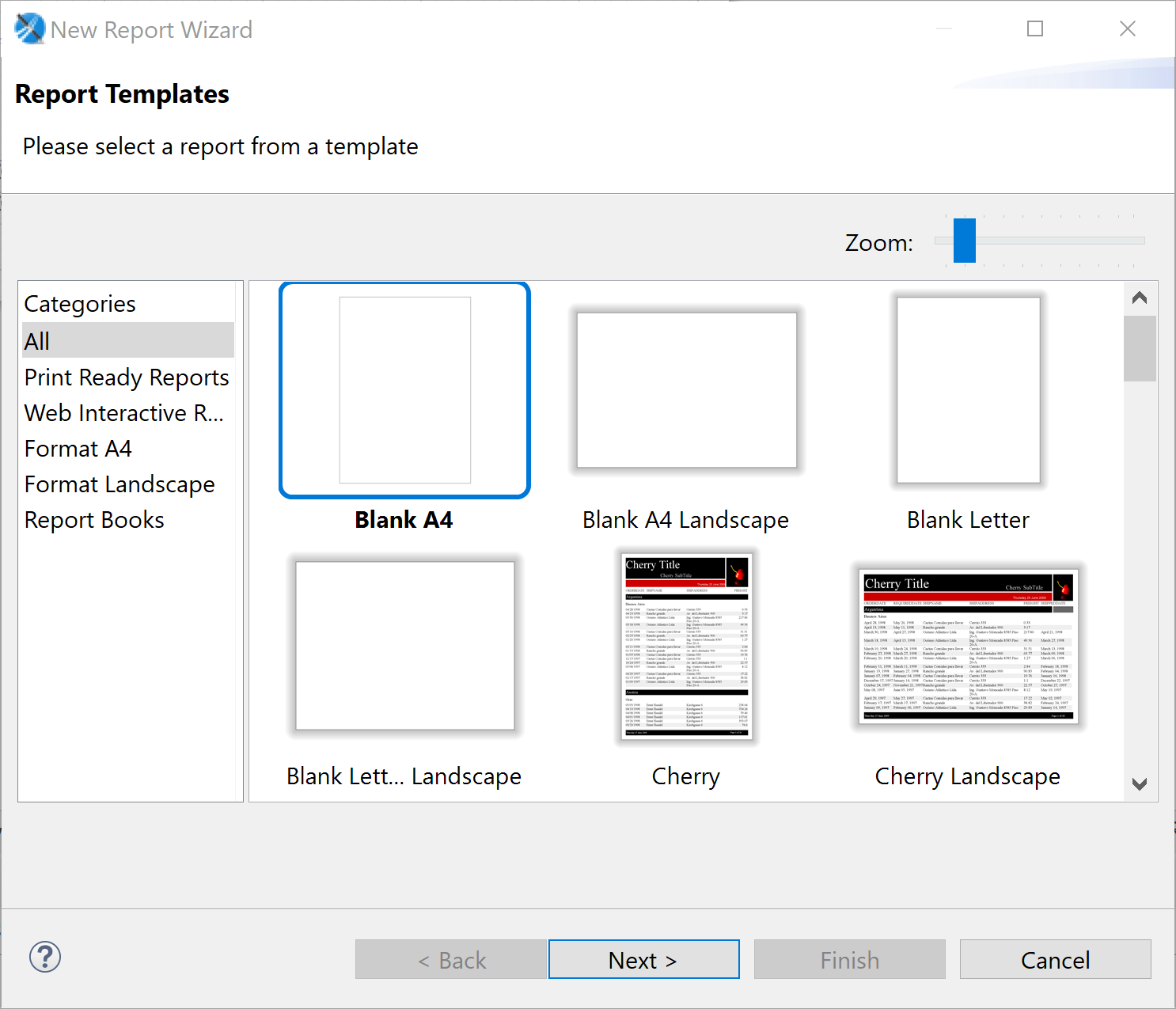
New Report Wizard.
Step 2 – choose the project
Select the project in which the report is created.
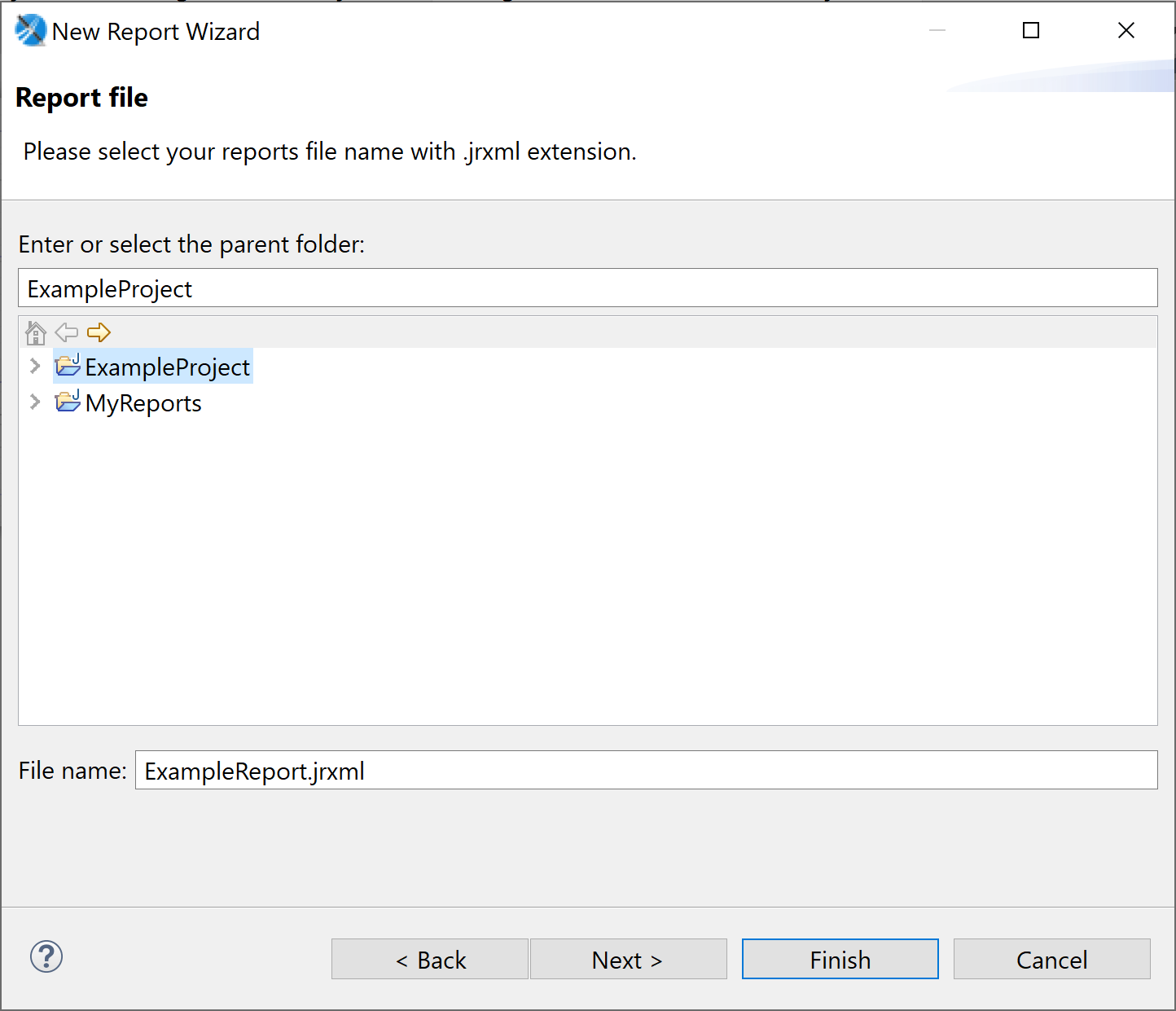
Project selection.
Step 3 – database query (optional)
Create a database query or skip this step for now.
Step 4 – choose fields
Select the fields to use in the report.
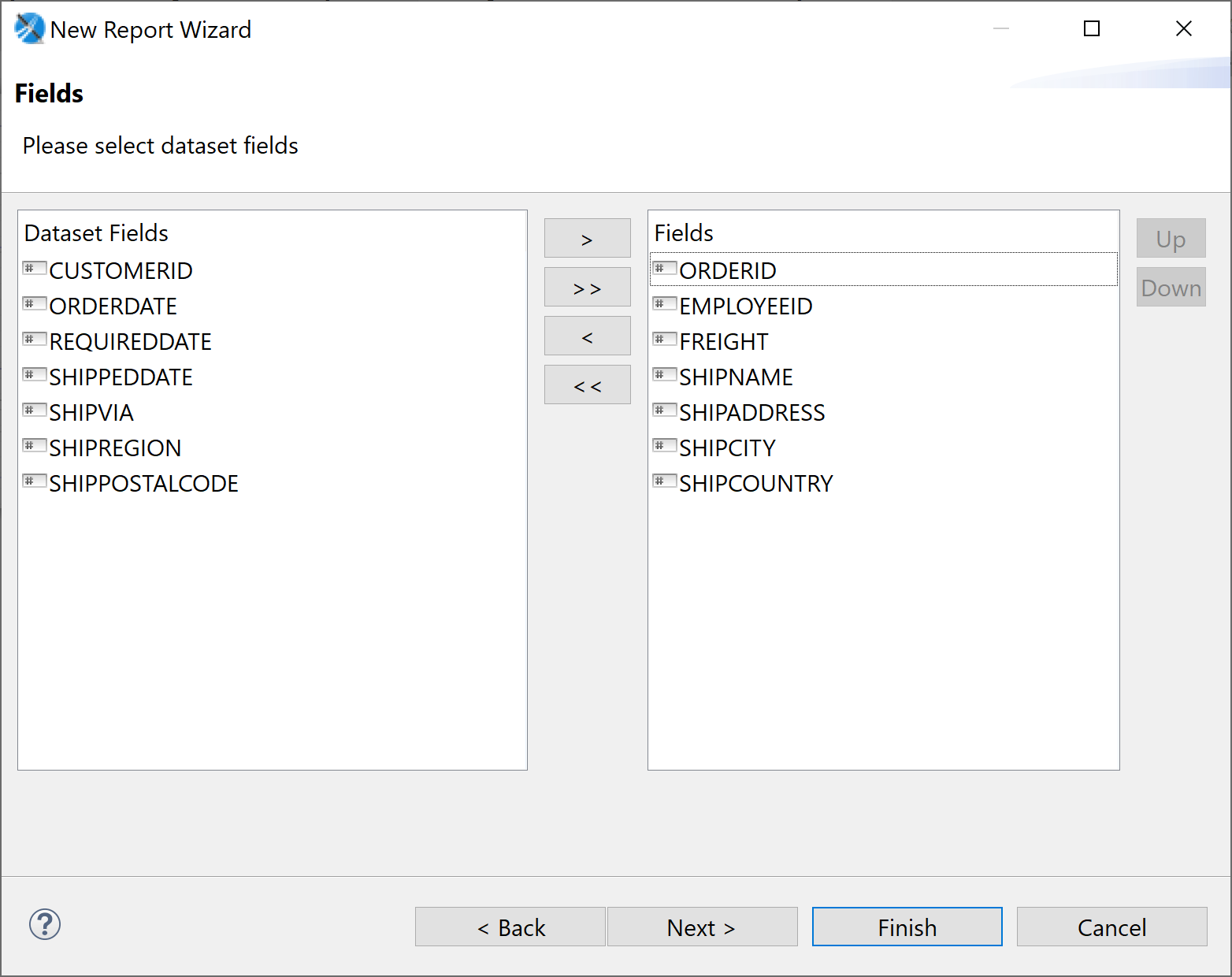
Field selection.
Check compatibility
On first start check: under Window → Preferences → Jaspersoft Studio → Compatibility select version 6.17.0 (in 6.17.0: Always use current). The first report should be created with Language Java.
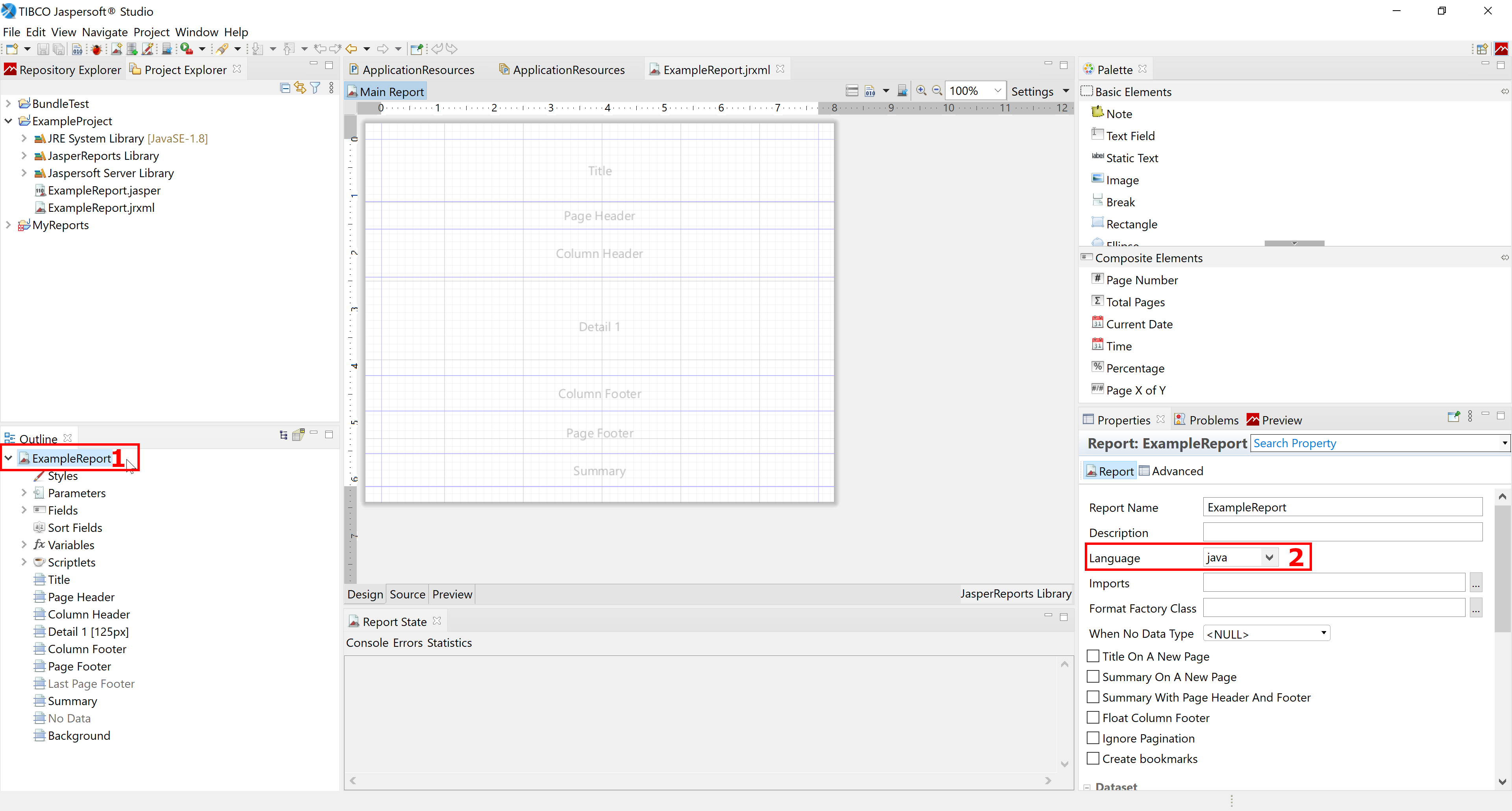
Check report language.
Related pages
Überblick
Inhalte