
Language: Deutsch · English
 Styles
Control appearance centrally – style hierarchy, default style and conditional styles.
HOW-TO APPLICATION DEVELOPER STAND: JUL 2026 GILT FUER NUCLOS 4.2026.X
Auf dieser Seite
What are styles?
With styles you control the appearance of elements centrally – alignment, font, paragraph settings and more (Properties → Style tab).
Style hierarchy
Each style has at most one parent style and inherits its attributes unless set itself. Unset attributes always return a default value.

Selecting a parent style.
Default style
There can be exactly one default style (checkbox Default Style). It applies to all elements without their own style.
Conditional styles
Conditional styles are tied to a condition and created as a sub-element of a style (context menu → Create Conditional Style).
Example: red font when the field NAME has the value „FEHLER“:
- Set the text colour to red (Appearance → Forecolor).
- In the expression editor set the conditional expression (
$F{NAME}.equals("FEHLER")).
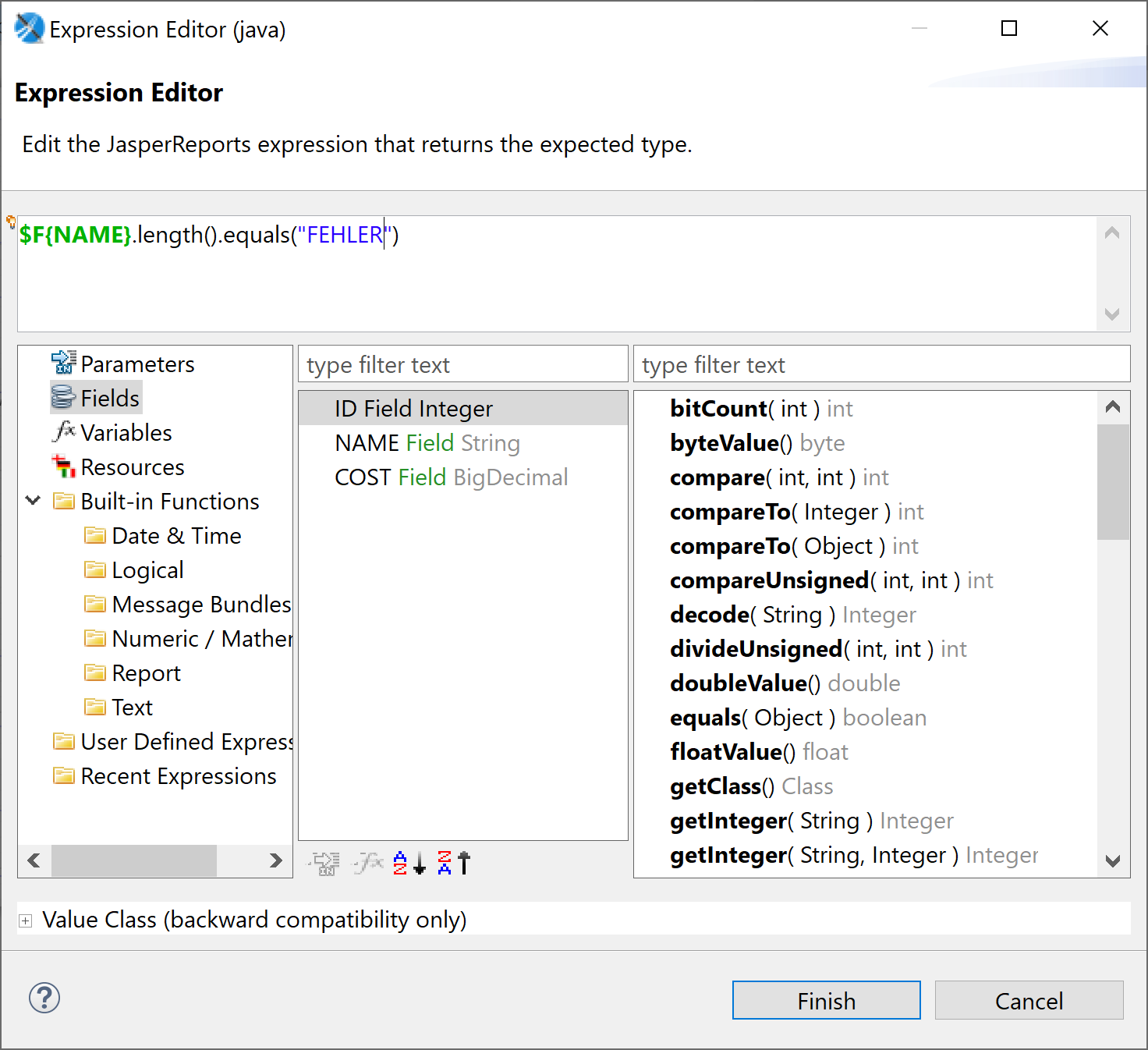
Conditional style with a condition.
Related pages
Überblick
Inhalte