| Auszug |
|---|
|
Nuclos Rich Client login: start via the Launcher, log in, auto login and starting with parameters (bouid/pk). |
 Language: Deutsch · English
 Login
Login
How to start the Rich Client and log in to the system.
| Status |
|---|
| colour | Green |
|---|
| title | Updated: Jul 2026 |
|---|
|
| Status |
|---|
| colour | Grey |
|---|
| title | applies to Nuclos 4.2026.x |
|---|
|
Start the client
The Rich Client is started via the Launcher (address nuclos://<server>:<port>/<instance>).
| Hinweis |
|---|
|
Since Java 11 there is no Java Web Start – use the Launcher. |
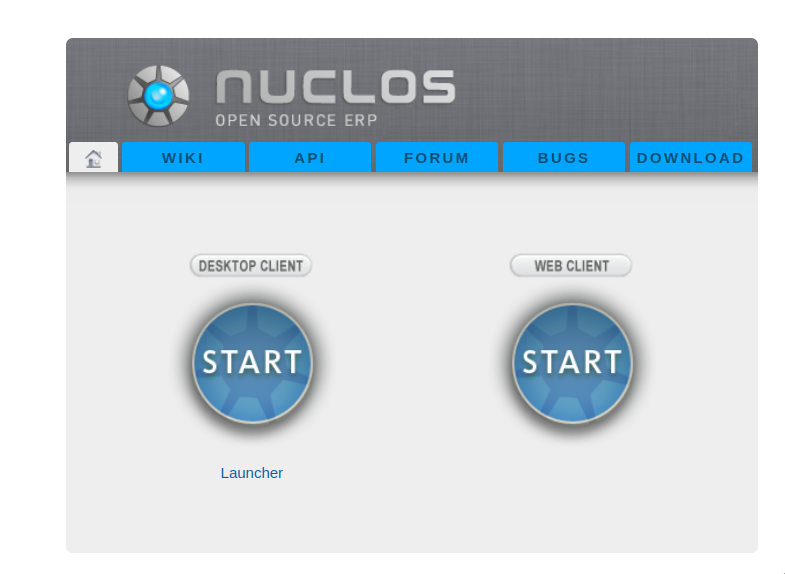
Nuclos start page.
Log in
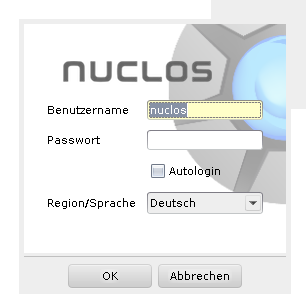
Login dialog.
Enter user name, password and application server. Right after installation the user nuclos works without a password – set a password in the first session and create your own user.
- Auto login: logs in automatically; can be disabled via the system parameter
application.settings.client.autologin.allowed. - Language/region: choose the application language.
Start the client with parameters
From version 4.3 the start can be parameterised, e.g. to open a record directly:
| Codeblock |
|---|
nuclos://<host>:<port>/<instance>/app/webstart.jnlp?bouid=<BO-uid>&pk=<record-id> |
Alternatively by field value (fuid + value). If several records match, the result list opens.
Related pages
 User interface
After login: the interface.
Open →
 Password
Change your password.
Open →
