
Language: Deutsch · English
 Installation (EN)
Install Nuclos in minutes – the graphical wizard guides you from the database to the first start.
HOW-TO BEGINNER UPDATED: JUL 2026 APPLIES TO NUCLOS 4.2026.X
On this page
First
Prerequisites (Java, database): see System requirements (DE).
1. Download the installer
Get the current version from nuclos.de:
Windows:   nuclos-<version>-installer-windows64.exe   (double-click)
All OS:    java -jar nuclos-<version>-installer-generic.jar
2. Graphical installation
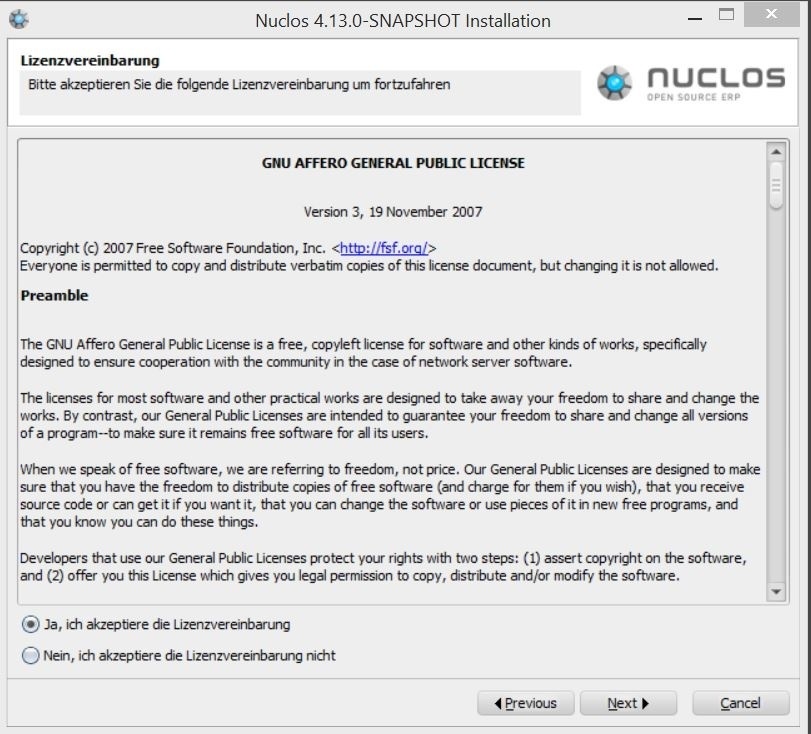
Nuclos installer start dialog.
Accept the licence, then choose the database:
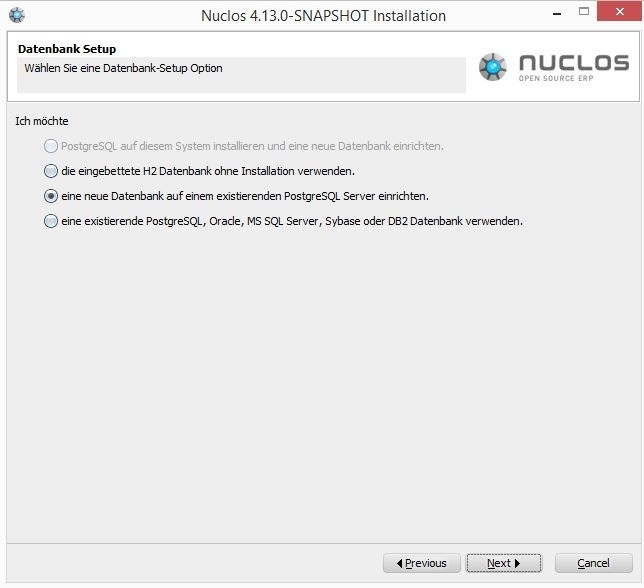
Choosing the database variant.
- Install PostgreSQL (recommended) – the installer sets up the DB server.
- Embedded H2 database – no DB server, for testing only.
- Existing database (PostgreSQL, Oracle, MS SQL, DB2, Sybase).
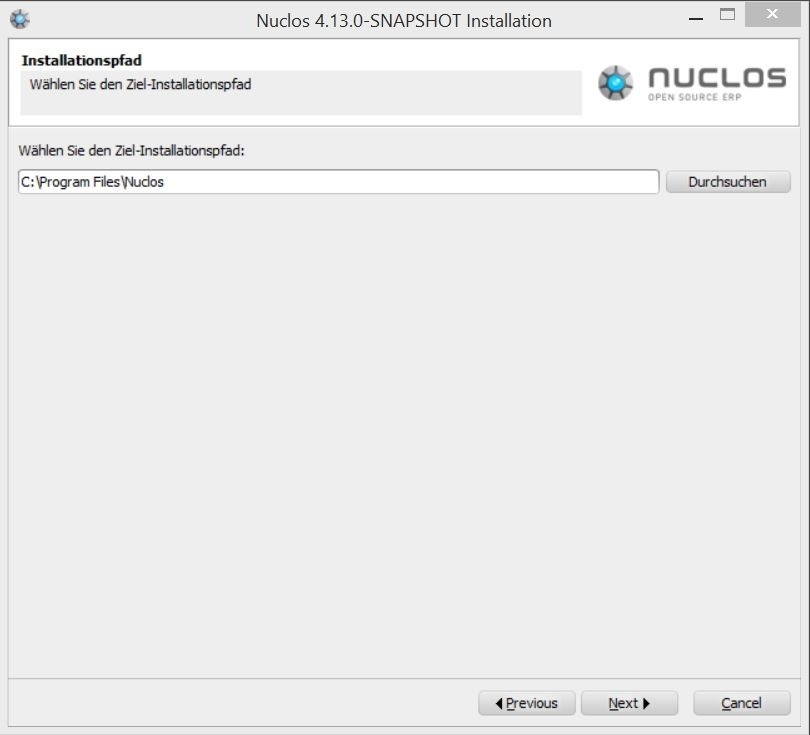
Choose an (empty) installation directory.
3. Database details
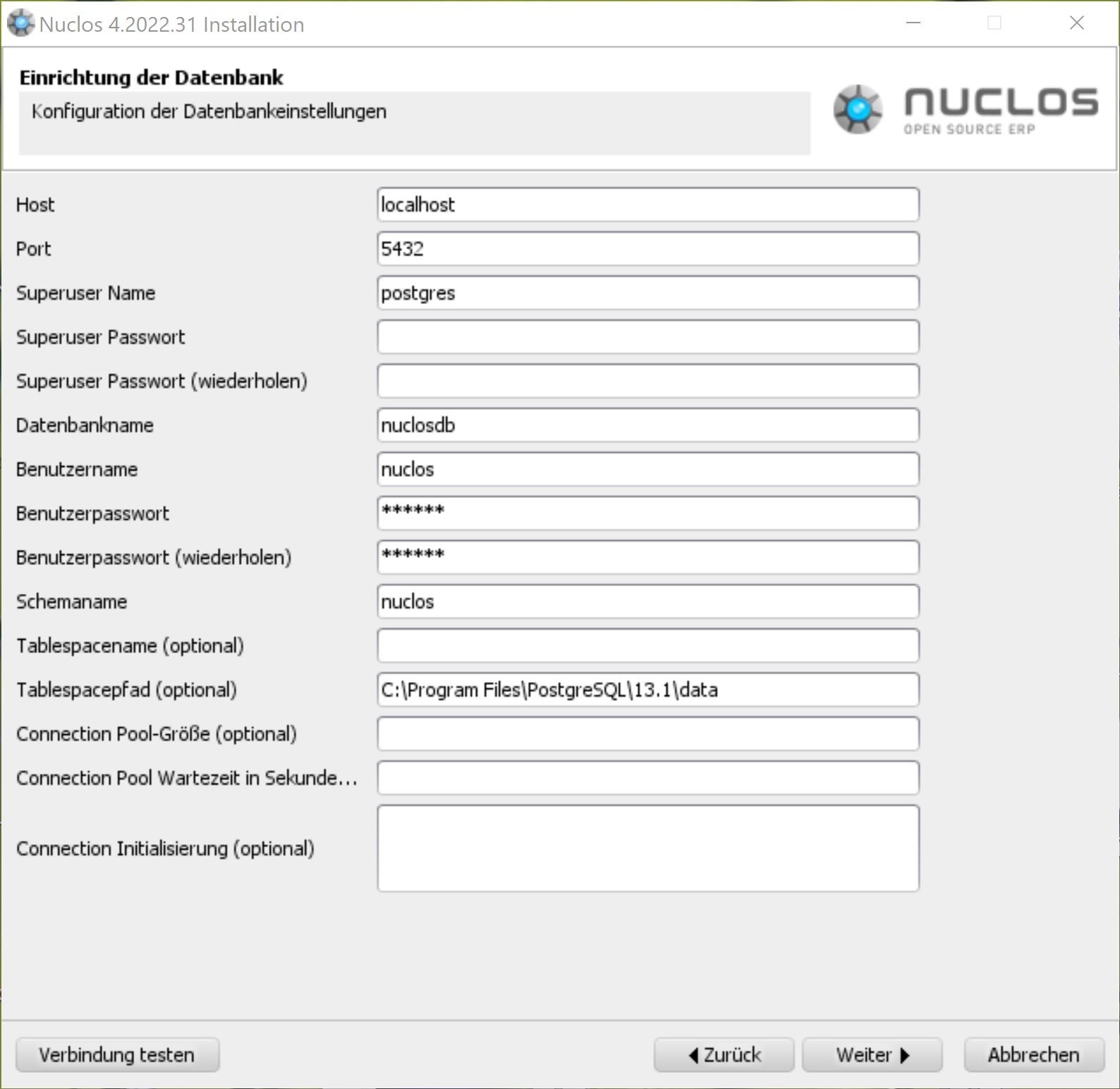
Database connection details (PostgreSQL example).
Enter host, port, superuser, database, user and schema, then use Test connection.
4. Server configuration
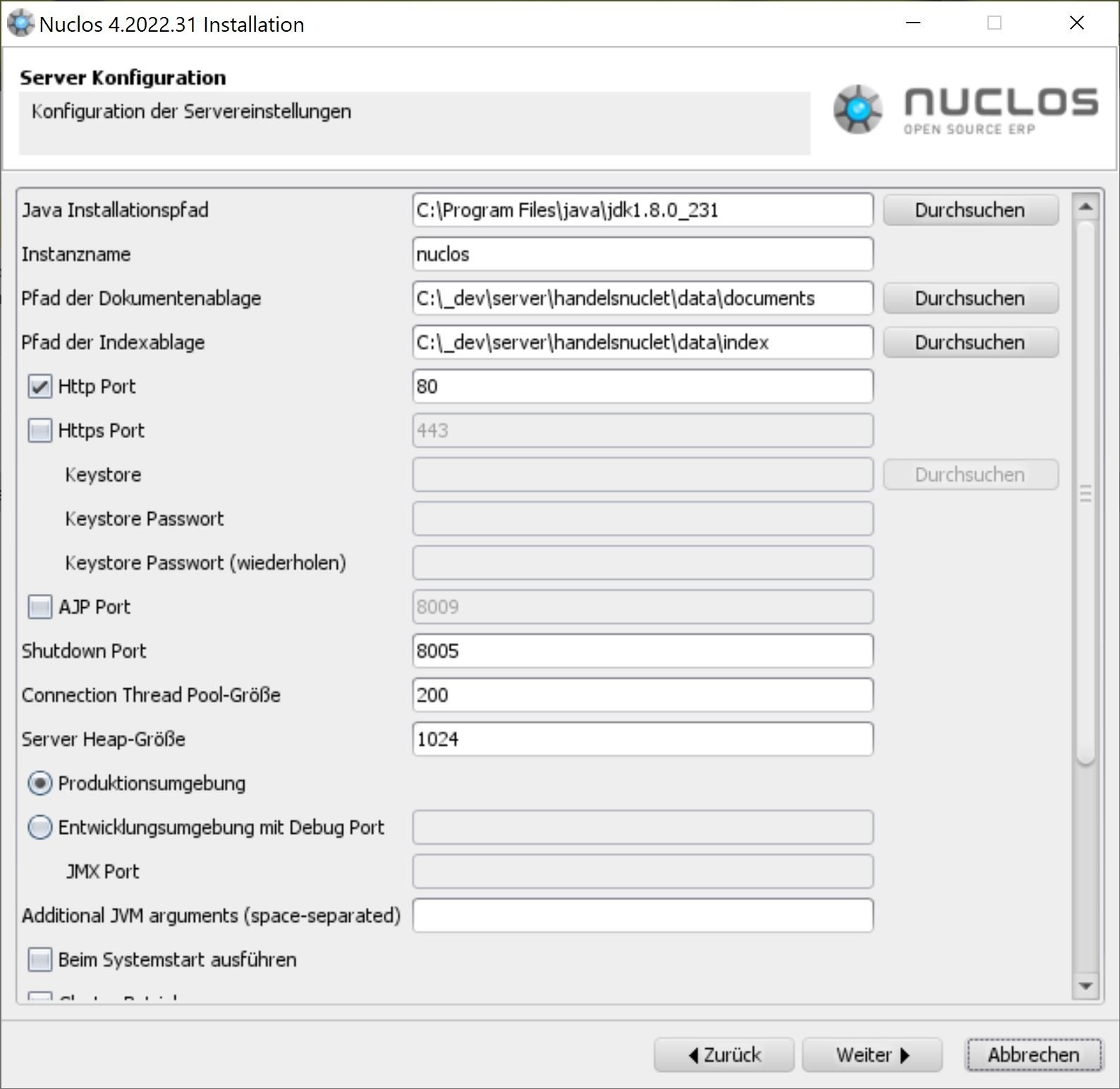
Server basics (Java path, instance, directories).
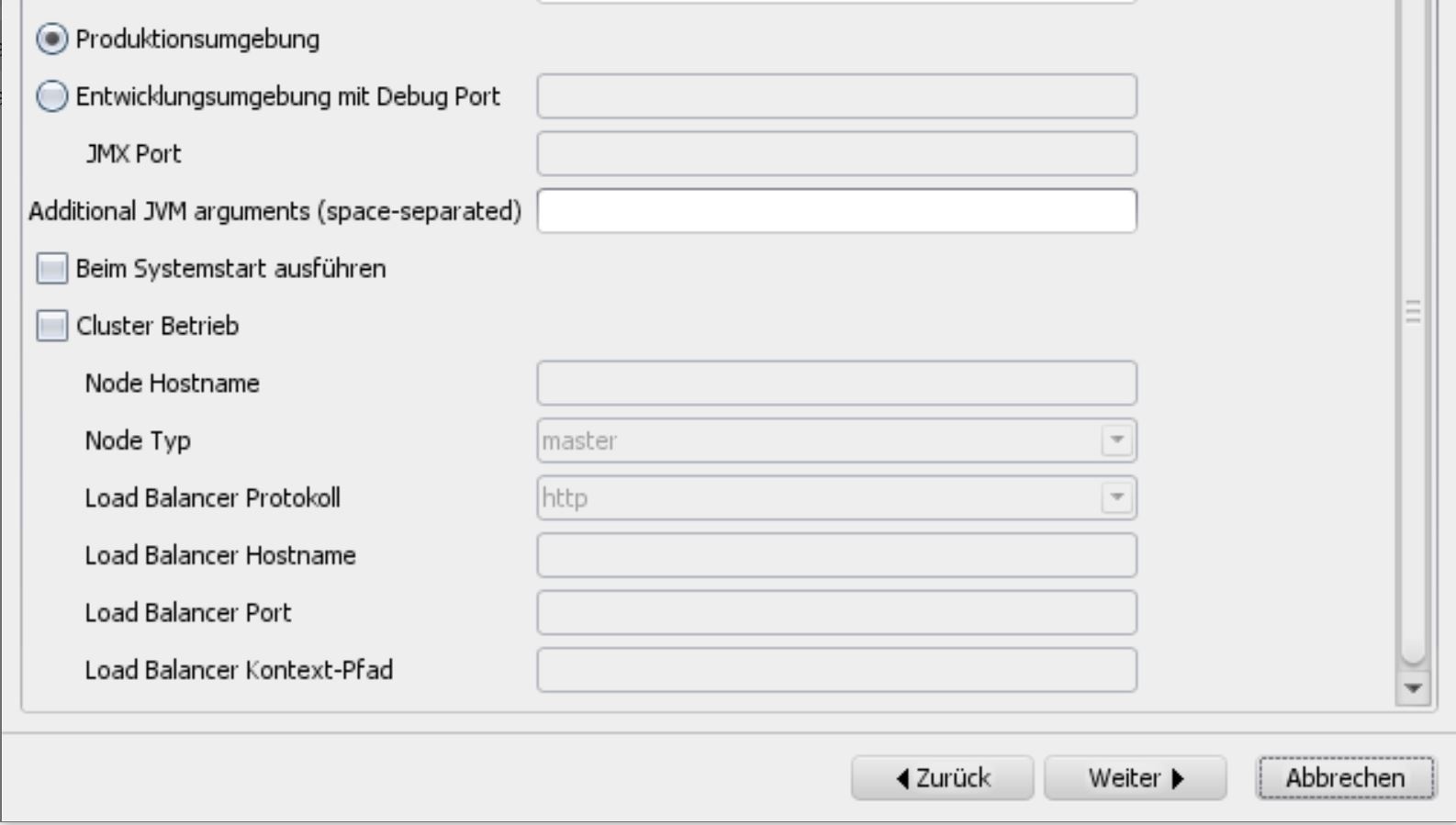
Ports and memory.
Write access
Installer and running instance need write access to the configured directories (documents, index).
5. Client configuration
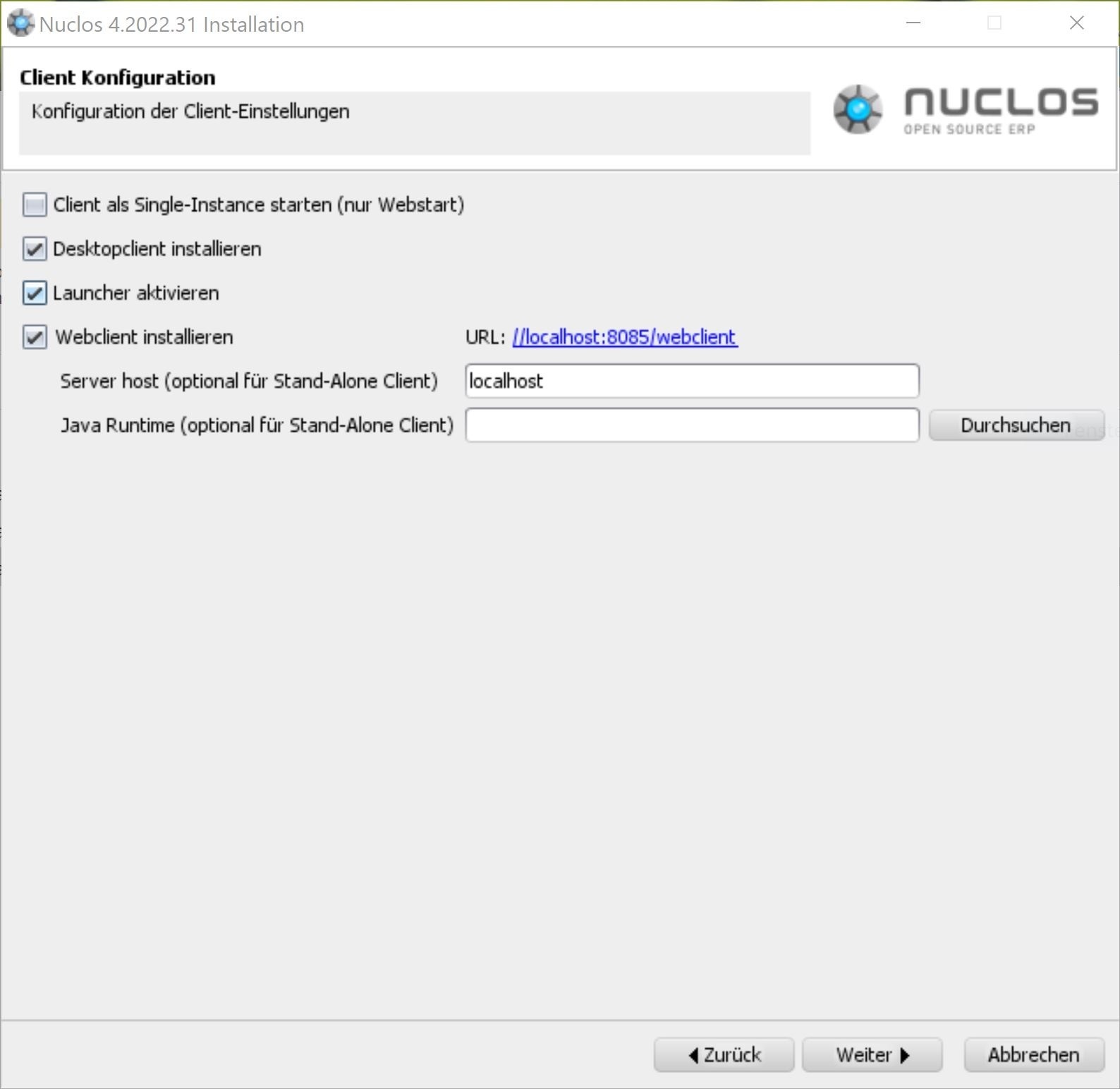
Client options (Rich Client, Launcher, Web Client).
6. Install & first start
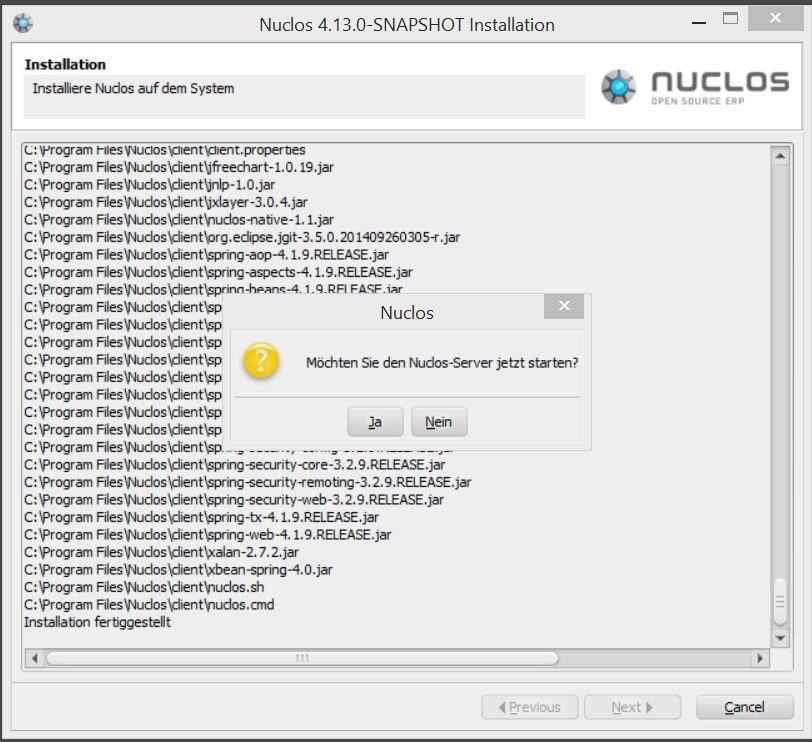
Installation progress.
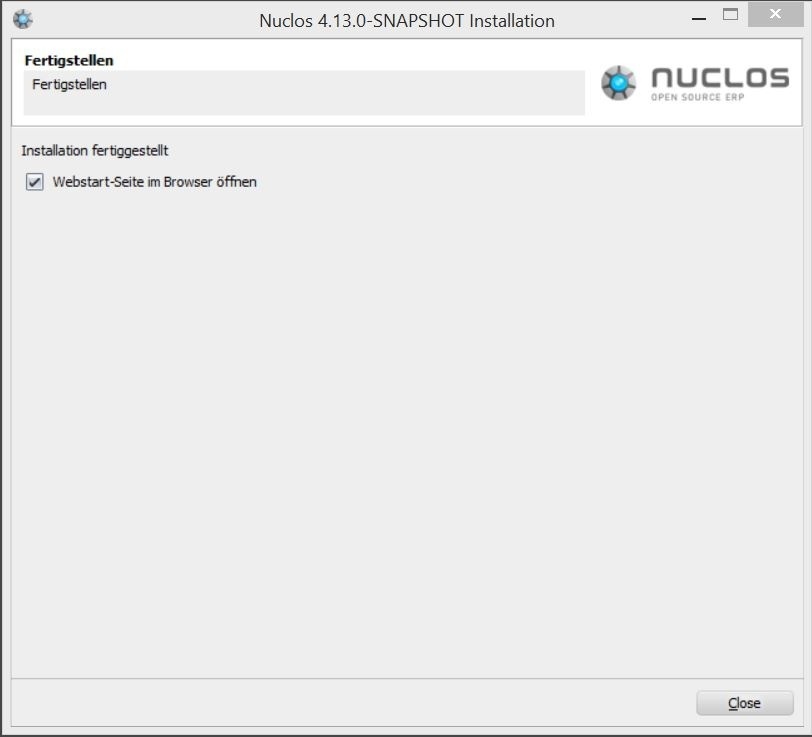
Completion dialog.
On a fresh install the server creates all internal tables on first startup. Then:
- Rich Client: start via the Launcher.
- Web Client: open from the start page (user
nuclos, empty password).
Related pages
Überblick
Inhalte